
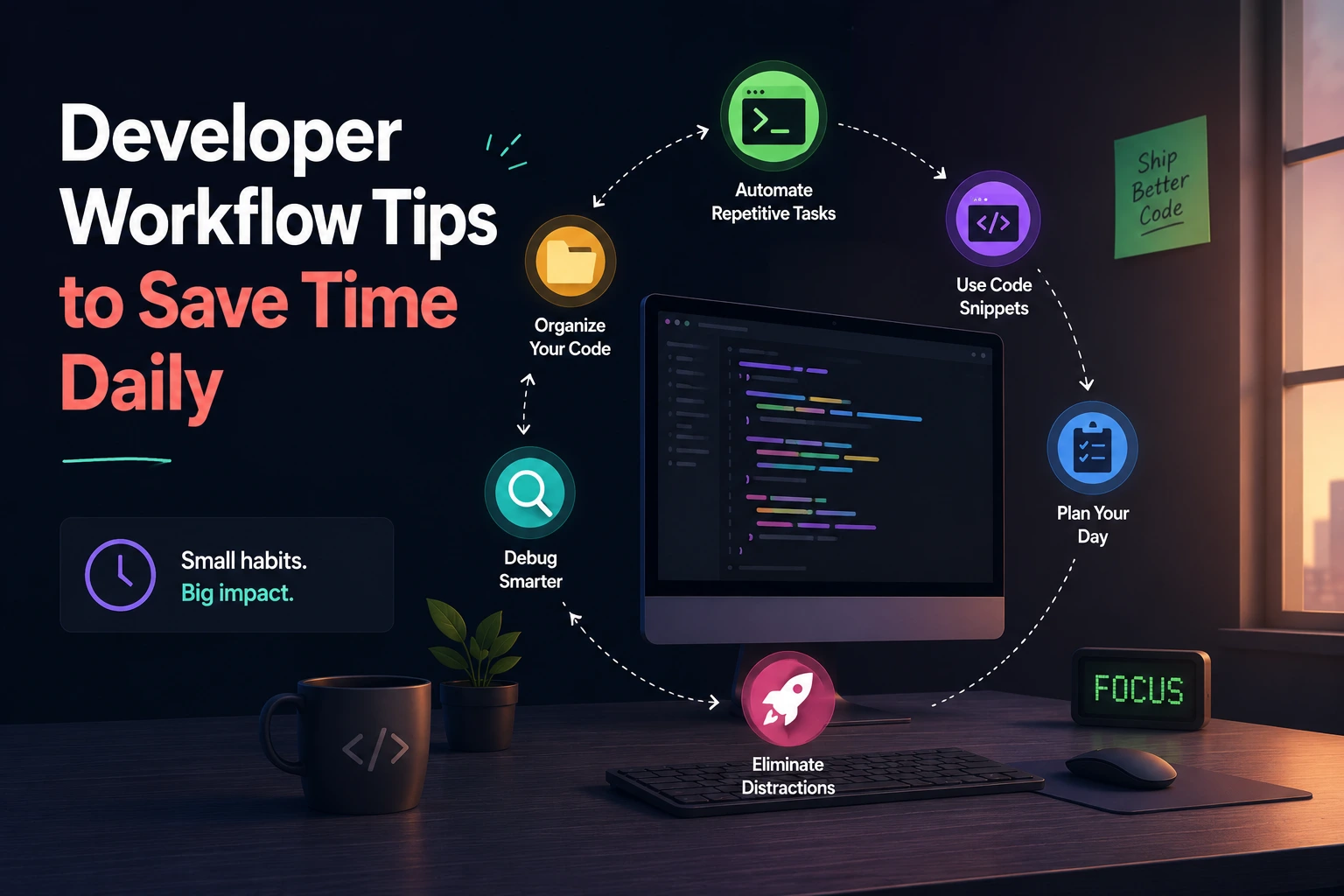
Developer Workflow Tips to Save Time Daily
Developer productivity is not measured by typing speed or the number of tools installed. It is measured by how reliably you can move from a requirement to a tested, reviewable change.
The largest workflow delays usually come from:
- Unclear requirements
- Long feedback loops
- Repeated environment problems
- Unfocused debugging
- Excessive work in progress
- Large code reviews
- Manual deployment steps
- Missing documentation
- Interruptions and context switching
A productive workflow removes these sources of friction without sacrificing correctness, security, or maintainability.
This guide provides practical changes you can introduce gradually and measure in real projects.
Start by Measuring Workflow Friction
Do not optimize your workflow based only on assumptions.
For one week, record moments when you lose more than a few minutes:
- Waiting for a build
- Reproducing an environment problem
- Searching for a command
- Fixing formatting in review
- Switching between unrelated tasks
- Debugging without progress
- Resolving repeated merge conflicts
- Recreating boilerplate
- Waiting for CI
- Repeating a deployment step
Keep a simple log:
| Friction | Frequency | Approximate cost | Possible improvement |
|---|---|---|---|
| Full test suite after small change | 8 times/day | 20 minutes | Run focused tests locally |
| Repeated setup questions | 3 times/week | 45 minutes | Improve setup documentation |
| Formatting failures in CI | 5 times/week | 25 minutes | Format on save and pre-commit |
| Switching branches with unfinished work | Daily | 15 minutes | Use Git worktrees |
Prioritize recurring problems rather than optimizing actions that rarely happen.
1. Define a Small Daily Outcome
A long task list does not provide focus. Start with one outcome that can be demonstrated or verified.
Instead of:
Work on checkoutwrite:
Allow a signed-in customer to apply one valid discount code
and show the updated total.
Then define completion:
- Valid code changes the total.
- Invalid code returns a clear error.
- The discount cannot produce a negative total.
- Server-side validation exists.
- Automated tests cover accepted and rejected codes.
- No payment request is made during validation.
This reduces ambiguity and helps prevent unrelated refactoring from taking over the task.
Use a work-in-progress limit
Keep only one main implementation task active when possible.
If it becomes blocked:
- Record the exact blocker.
- Ask the relevant person or gather missing evidence.
- Move to one clearly defined secondary task.
- Return when the blocker is resolved.
Starting five tasks and finishing none creates more tracking and context-switching work.
2. Create a One-Command Project Startup
Developers should not need to remember a sequence of undocumented setup commands.
Instead of:
composer install
npm install
php artisan migrate
php artisan queue:work
npm run dev
provide a documented project command:
make devor:
./scripts/devThe command can:
- Check required software versions
- Install dependencies
- Copy safe local configuration defaults
- Start required services
- Run migrations
- Start workers
- Launch the development server
- Print useful local URLs
Keep destructive actions explicit. A development startup command should not silently delete a database or overwrite a developer’s configuration.
Add a health-check command
make doctorIt might check:
✓ PHP version supported
✓ Node version supported
✓ Database reachable
✓ Redis reachable
✓ Environment file present
✓ Writable storage configured
✓ Required ports available
This converts vague setup failures into actionable diagnostics.
3. Standardize the Most Important Commands
Give routine actions predictable names:
make dev
make test
make test-unit
make lint
make format
make check
make build
A JavaScript project might expose equivalent package scripts:
{
  "scripts": {
    "dev": "vite",
    "test": "vitest",
    "test:unit": "vitest run",
    "lint": "eslint .",
    "format": "prettier --write .",
    "check": "npm run lint && npm run test:unit",
    "build": "vite build"
  }
}
The exact tool is less important than consistency.
The same command should behave similarly:
- On a developer’s computer
- In CI
- In a clean environment
- In project documentation
Avoid requiring developers to reverse-engineer the CI configuration to learn how the project is tested.
4. Shorten the Feedback Loop
A fast feedback loop allows you to discover mistakes while the relevant code is still fresh in your mind.
Good local feedback includes:
- Formatting on save
- Type checking
- Targeted linting
- Focused tests
- Fast application reload
- Clear runtime errors
- Database-query visibility
- Request inspection
Run the smallest useful check first.
For example:
php artisan test --filter=ApplyDiscountTestThen run the broader suite before creating the final pull request:
php artisan testA useful sequence is:
- Test the changed unit.
- Test the affected feature.
- Run static analysis.
- Run the complete required check.
- Let CI verify the clean environment.
Do not replace full CI checks with focused testing. Focused tests improve the development loop; the complete suite protects integration.
5. Automate Formatting and Mechanical Checks
Code review should focus on behavior, architecture, security, and maintainability—not indentation.
Automate:
- Code formatting
- Linting
- Import ordering
- Type checking
- Common static-analysis rules
- Generated-file validation
- Schema checks
- Basic security scanning
A good workflow provides two modes:
make formatFixes formatting locally.
make checkChecks without modifying files and returns a failing exit code when something is wrong.
Run make check in CI so the local and remote workflows agree.
Avoid slow pre-commit hooks
A pre-commit hook should provide fast feedback. Running a 20-minute suite on every commit encourages developers to bypass the hook.
Use fast checks before commit and complete checks before merge.
6. Learn Navigation Before Memorizing Shortcuts
The most valuable editor features are usually navigation and transformation tools:
- Open file by name
- Go to symbol
- Go to definition
- Find references
- Rename symbol
- Search across the project
- Navigate to errors
- Apply code actions
- Open the integrated terminal
- Compare changed files
These actions reduce manual searching and unsafe text replacement.
Choose a few recurring actions and learn one shortcut at a time. Installing a large shortcut cheat sheet rarely changes behavior.
The objective is not to avoid the mouse. It is to use the most comfortable and reliable interaction for each task.
7. Use Snippets and Generators Carefully
Snippets work well for small, stable structures:
- Test setup
- Logging context
- Component skeletons
- API response shapes
- Documentation blocks
For larger structures, use a project generator:
php artisan make:controller OrderControllerphp artisan make:test ApplyDiscountTestnpm create vite@latestGenerated output should still be reviewed.
Avoid maintaining a folder of copied code fragments with:
- No tests
- No owner
- Unknown license
- Outdated dependencies
- Hard-coded secrets
- Project-specific assumptions
Reusable code becomes valuable only when it is documented, tested, versioned, and maintained.
8. Debug with a Hypothesis
Randomly changing code until an error disappears is slow and often creates additional defects.
Use a repeatable debugging process.
Step 1: State the observed behavior
Submitting the checkout form returns 500 only when a discount
code is present.
Step 2: Define the expected behavior
The API should return 422 for an invalid code and recalculate
the total for a valid code.
Step 3: Reproduce it consistently
Record:
- Input
- Environment
- User state
- Browser or client
- Route
- Time
- Relevant deployment version
Step 4: Reduce the problem
Determine whether it occurs:
- Without the frontend
- With a direct API request
- With every discount code
- For every user
- In a clean database
- In the previous release
Step 5: Create a hypothesis
The service assumes the discount record exists and accesses
a property on null.
Step 6: Gather evidence
Use:
- Breakpoints
- Request traces
- Structured logs
- Network inspection
- Database-query logs
- Performance profiles
- Automated tests
Step 7: Fix and prove it
Add a regression test that fails before the fix and passes afterward.
9. Use Browser DevTools with a Specific Question
Do not open every DevTools panel without a goal.
Network questions
- Which request failed?
- Was the response cached?
- Did one request block the others?
- Was the payload larger than expected?
- Is the request duplicated?
- Did a redirect occur?
- Is server response time the bottleneck?
Performance questions
- Is JavaScript blocking the main thread?
- Which function creates a long task?
- Is layout recalculated repeatedly?
- Does scrolling trigger expensive work?
- Is a third-party script responsible?
Rendering questions
- Which element causes layout movement?
- Is an animation changing layout properties?
- Is an image missing dimensions?
- Is a component rendering more often than expected?
Chrome DevTools provides dedicated Network and Performance tools for inspecting requests, runtime activity, and page behavior.
Collect evidence before rewriting application code.
10. Make Small, Reviewable Commits
A useful commit represents one coherent change.
Good examples:
Validate discount expiry before applying itAdd regression test for expired discount codePrevent checkout totals from becoming negativeLess useful:
updatesfix stuffSmall commits make it easier to:
- Review changes
- Identify regressions
- Revert one decision
- Understand history
- Use
git bisect - Separate refactoring from behavior changes
Do not split changes mechanically into dozens of incomplete commits. Each commit should leave the relevant code in a reasonable state.
11. Use Git Worktrees for Parallel Tasks
Constantly stashing changes to inspect another branch is disruptive.
A Git worktree creates another working directory connected to the same repository:
git worktree add ../project-hotfix -b hotfix/payment-errorYou can keep the main feature open in one directory and investigate the hotfix in another.
List worktrees:
git worktree listRemove one after use:
git worktree remove ../project-hotfixGit documents worktrees as linked working trees that can have separate checked-out branches.
Use them carefully with:
- Development servers
- Port assignments
- Local databases
- Environment files
- Generated assets
Two worktrees should not unintentionally write to the same unsafe local resource.
12. Use git bisect for Regressions
When a feature worked in an older commit but fails now, manually reviewing every change is inefficient.
Start a binary search:
git bisect start
git bisect bad
git bisect good <known-good-commit>
Git checks out a commit between the known good and bad points.
Test it, then mark it:
git bisect goodor:
git bisect badContinue until Git identifies the likely first bad commit.
Finish with:
git bisect resetIf a reliable script can determine pass or fail, automate the process:
git bisect run ./scripts/test-regressionThis is most effective when commits are buildable and tests have dependable exit codes.
13. Record Repeated Merge Resolutions
Teams with long-lived branches may resolve the same conflict more than once.
Git’s recorded resolution feature can remember a manual conflict resolution:
git config --global rerere.enabled trueGit can then reuse that resolution when the same conflict appears again. This behavior is documented by git rerere.
Review reused resolutions before committing. A previously correct resolution may not remain correct after surrounding code changes.
14. Improve Build Speed with Measurement
Do not switch build tools only because another tool claims to be faster.
Measure:
- Cold startup time
- Warm reload time
- Time after changing one file
- Production build duration
- Peak memory
- CI duration
- Cache-hit rate
Then identify the bottleneck:
- Type checking
- Source maps
- Dependency scanning
- Asset processing
- Test discovery
- Container startup
- Network installation
- Unnecessary package work
- Monorepo-wide tasks
Possible improvements include:
- Running only affected tasks
- Caching immutable dependencies
- Splitting independent CI jobs
- Reducing unnecessary transpilation
- Moving type checking to a parallel process
- Removing unused plugins
- Reusing build artifacts safely
Record before-and-after measurements. A tool migration that saves two seconds but consumes a week of engineering time may not be worthwhile.
15. Use Documentation as Part of the Workflow
Useful project documentation answers recurring questions:
- How do I start the project?
- Which software versions are required?
- How do I run tests?
- How do I create a migration?
- How do I process queued jobs?
- How do I add an environment variable?
- How do I deploy?
- How do I roll back?
- Who owns this component?
Keep documentation close to the code:
README.md
CONTRIBUTING.md
docs/
scripts/
When documentation fails during actual use, update it as part of the same pull request.
Prefer executable documentation
A command is more reliable than a paragraph describing several manual steps:
make setupThe documentation should explain what the command does and any destructive effects.
16. Create Checklists for Risky Operations
Memory is unreliable during incidents and deployments.
Use short checklists for:
- Database migrations
- Production deployments
- Rollbacks
- Security-sensitive changes
- Data imports
- Cache invalidation
- DNS changes
- Dependency upgrades
Example deployment checklist:
- Tests and static analysis pass
- Migration is backward compatible
- Rollback procedure exists
- Environment changes are documented
- Monitoring dashboard is open
- Feature flag is configured
- Error rate is checked after release
- Queue backlog is checked
- Important user flow is verified
A checklist should prevent known mistakes, not become an enormous form developers complete without reading.
17. Make Pull Requests Easier to Review
A reviewable pull request should explain:
- What changed
- Why it changed
- How it was tested
- Relevant screenshots
- Database or configuration changes
- Risks
- Rollback approach
- Follow-up work
Example:
Summary
- Prevent expired discounts from being applied.
- Add an API validation response for invalid codes.

Testing
- Added feature tests for active and expired codes.
- Tested checkout manually with one product and three products.

Risk
- Discount calculation path changed.

Rollback
- Revert this pull request; no database migration is included.
Pull-request templates can standardize information without requiring reviewers to ask the same questions repeatedly. GitHub supports repository-level pull-request templates.
Keep templates short enough that developers complete them thoughtfully.
18. Batch Communication Without Hiding From the Team
Constant notifications interrupt focused work, but ignoring communication all day can block teammates.
A balanced routine might be:
- Check messages at the beginning of the day.
- Reserve a focused implementation block.
- Check communication before lunch.
- Reserve another focused block.
- Review messages before finishing.
Adjust this for the team’s support and incident responsibilities.
Use status indicators when unavailable, and define a separate urgent channel for incidents. Do not rely on every developer independently deciding what “urgent” means.
19. Use AI as an Accelerator, Not an Authority
AI tools can help with:
- Explaining unfamiliar code
- Generating test cases
- Drafting documentation
- Producing repetitive transformations
- Comparing implementation options
- Identifying possible edge cases
Treat generated output as untrusted until reviewed.
Before accepting it:
- Read every changed line.
- Run tests.
- Check authorization.
- Check error handling.
- Verify dependency APIs.
- Look for invented functions.
- Review data exposure.
- Check licensing and organizational policy.
- Remove unnecessary complexity.
- Confirm performance assumptions.
Never paste production secrets, personal information, access tokens, or confidential source code into an unapproved external tool.
A useful prompt includes:
- The narrow task
- Relevant constraints
- Expected input and output
- Existing conventions
- Required tests
- Code that must not change
Smaller requests are easier to verify than “build the entire feature.”
20. Conduct a Weekly Workflow Review
Spend 15 minutes at the end of the week answering:
- What interrupted me repeatedly?
- Which command or test was slow?
- Which information was difficult to find?
- Which review comment appeared more than once?
- Which manual step could be automated safely?
- Which automation failed or produced noise?
- What is one improvement worth testing next week?
Select one small change.
Examples:
- Add a focused test command.
- Document a setup problem.
- Remove a broken editor extension.
- Add a pull-request checklist.
- Create a script for a repeated operation.
- Improve one slow test.
- Add structured logging to a difficult workflow.
Measure whether the change actually saves time. Remove tools and automation that create more maintenance than value.
A Practical Daily Workflow
Start of day
- Review messages and blockers.
- Choose one primary outcome.
- Confirm acceptance criteria.
- Pull recent changes.
- Run the project health check.
- Start the development environment.
During implementation
- Make the smallest testable change.
- Run focused checks.
- Commit coherent progress.
- Record unexpected scope separately.
- Use evidence-driven debugging.
- Update documentation when behavior changes.
Before creating a pull request
- Review your own diff.
- Remove debugging code.
- Run formatting and static analysis.
- Run relevant tests.
- Check database and configuration changes.
- Add screenshots or API examples.
- Describe risk and rollback behavior.
End of day
- Push recoverable work.
- Record the current state.
- Note unresolved blockers.
- Stop unnecessary local services.
- Capture one workflow problem worth improving.
Improvements You Can Make in 30 Minutes
If you want immediate changes, choose three:
- Add
make testor an equivalent standard command. - Enable formatting on save.
- Create one focused test command.
- Learn file and symbol search in your editor.
- Add a concise pull-request template.
- Write a reproducible bug report.
- Create a deployment checklist.
- Enable Git recorded resolutions.
- Try a worktree for your next hotfix.
- Remove one unused editor extension.
- Document the most common setup failure.
- Measure the project’s reload and test times.
Do not attempt to rebuild your entire workflow in one afternoon.
Final Thoughts
Developer productivity comes from reducing the time between making a change and receiving trustworthy feedback.
The highest-value workflow improvements usually provide:
- Clearer task boundaries
- Faster local checks
- Reproducible environments
- More systematic debugging
- Smaller reviews
- Safer automation
- Better documentation
- Fewer interruptions
Do not optimize your workflow to look impressive. Optimize recurring sources of delay and verify that each change improves delivery without weakening quality.
The best workflow is not the one with the most shortcuts, terminal aliases, or automation. It is the one that helps you produce correct, understandable, and reviewable changes consistently.
Try Next
Other utilities you might find helpful
Regex Tester
Test and debug regular expressions with live matches.
Regex Debugger
Understand regex step-by-step with explanations.
JSON Formatter
Format, validate, and minify JSON instantly.
Base64 Encoder/Decoder
Encode and decode Base64 strings and files.
SQL Explain Parser
Analyze SQL execution plans and optimize queries.
DOM Complexity Analyzer
Analyze HTML DOM structure, detect deep nesting, count nodes, and identify performance issues instantly.