
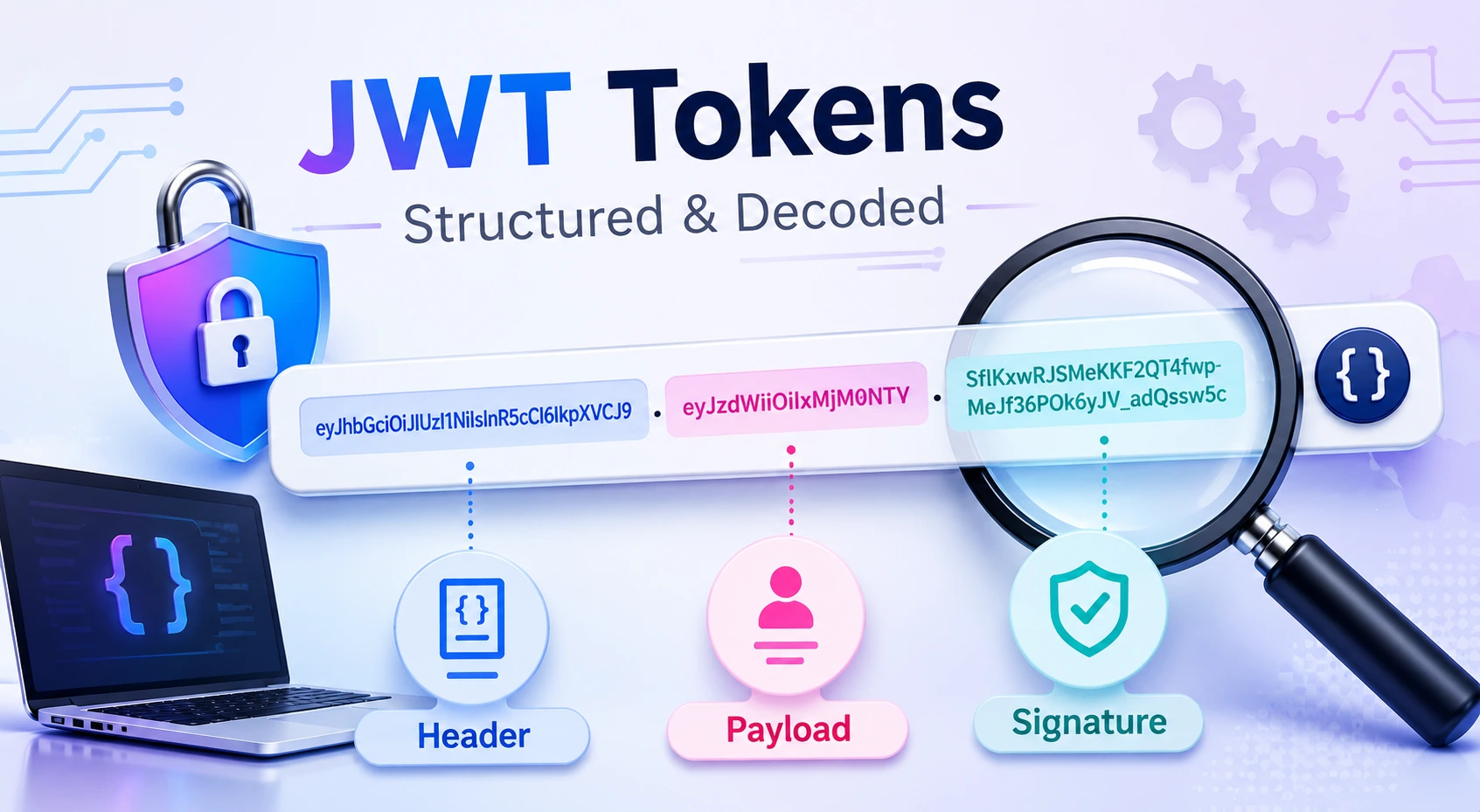
How JWT Tokens Are Structured and Decoded
JSON Web Tokens are widely used to carry identity and authorization information between applications, APIs, and identity providers. They are compact, URL-safe, and supported by most modern programming languages.
However, JWTs are also frequently misunderstood.
Three distinctions are especially important:
- Encoding is not encryption
- Decoding is not verification
- A valid signature does not automatically mean a token should be accepted
This guide explains how a JWT is constructed, what its three sections contain, how decoding works, and which validation checks must be completed before an application trusts its claims.
What Is a JWT?
JWT stands for JSON Web Token. Calling it a “JWT token” is common, although technically redundant because the letter T already means “Token.”
A JWT is a compact representation of a set of claims. A claim is a piece of information about a subject, issuer, audience, or authorization context.
The JWT specification defines how these claims can be represented inside a JSON object. JWTs can be protected using either a digital signature or encryption, depending on the surrounding JOSE format.
Common JWT use cases include:
- OpenID Connect ID tokens
- OAuth access tokens in some systems
- Service-to-service authorization
- API authentication
- Short-lived authorization grants
- Email verification or password-reset workflows
JWT is a token format, not a complete authentication system. An application still needs secure login, key management, authorization, revocation, storage, and validation policies.
Are JWTs Signed or Encrypted?
A JWT is not automatically encrypted.
Most JWTs encountered in web applications are represented as a JSON Web Signature, or JWS. A compact JWS normally contains three dot-separated sections:
header.payload.signatureThe header and payload are Base64URL encoded, but they are not hidden. Anyone who obtains the token can normally decode and read them.
An encrypted token uses JSON Web Encryption, or JWE. Its compact representation contains five sections rather than three.
Therefore:
- A three-part signed JWT generally protects integrity
- It does not provide confidentiality
- A JWE can provide confidentiality by encrypting its content
- HTTPS is still required while transmitting either format
Never put passwords, private keys, payment details, or unnecessary personal information inside a readable JWT payload.
The Three Parts of a Signed JWT
A typical signed JWT looks like this:
eyJhbGciOiJSUzI1NiIsInR5cCI6IkpXVCJ9
.
eyJzdWIiOiJ1c2VyLTEyMyIsImF1ZCI6Im9yZGVycy1hcGkiLCJleHAiOjE3NjAwMDAwMDB9
.
signature-value
Line breaks have been added here only for readability. A real token is normally sent as one continuous string.
Its three sections are:
- Protected header
- Payload containing claims
- Cryptographic signature
1. JWT Header
The first section describes how the token is protected.
A decoded header might look like this:
{
  "alg": "RS256",
  "typ": "JWT",
  "kid": "key-2026-09"
}
Common header parameters
alg
The alg parameter identifies the algorithm used to protect the token.
Examples include:
HS256: HMAC using SHA-256RS256: RSA signature using SHA-256ES256: ECDSA using the P-256 curve and SHA-256EdDSA: Edwards-curve digital signature algorithm
An application must not blindly trust the algorithm named by an untrusted token. The verifier should maintain an explicit list of algorithms permitted for that issuer and token type.
typ
The optional typ parameter declares the media type. It is frequently set to:
{
  "typ": "JWT"
}
Explicit token typing can also help distinguish tokens intended for different purposes.
kid
The optional kid, or key ID, helps the verifier select the correct verification key.
A kid value is only an identifier. It must not be treated as a trusted file path, database query, URL, or command input.
2. JWT Payload
The second section contains the JWT claims set.
For example:
{
  "iss": "https://auth.example.com",
  "sub": "user-123",
  "aud": "orders-api",
  "scope": "orders:read",
  "iat": 1790577000,
  "exp": 1790577900
}
This data is readable by anyone holding the token unless the JWT is encrypted.
Registered claims
JWT defines several registered claim names.
iss — Issuer
Identifies the authority that issued the token.
{
  "iss": "https://auth.example.com"
}
The receiver should compare this value against an exact, trusted issuer configured by the application.
sub — Subject
Identifies the entity described by the token, such as a user or service account.
{
  "sub": "user-123"
}
aud — Audience
Identifies the intended recipient of the token.
{
  "aud": "orders-api"
}
An API must reject a token that was created for a different audience.
exp — Expiration time
Defines the time after which the token must not be accepted.
{
  "exp": 1790577900
}
JWT time claims use the NumericDate format: the number of seconds since the Unix epoch, ignoring leap seconds.
nbf — Not before
Defines when the token becomes valid.
{
  "nbf": 1790577000
}
iat — Issued at
Records when the token was issued.
It can be useful for enforcing maximum token ages, but its presence alone does not establish validity.
jti — JWT ID
Provides an identifier for a particular token.
Applications can use it for auditing, replay detection, or revocation records. These controls generally require server-side state.
Custom claims
Applications can add claims such as:
{
  "scope": "orders:read orders:write",
  "tenant_id": "tenant-42"
}
Avoid placing rapidly changing authorization data in long-lived tokens. For example, a user’s role might be removed while an older token continues to contain the previous role.
When custom claims are shared across unrelated systems, use clearly namespaced names to avoid collisions.
3. JWT Signature
For a signed compact JWT, the signing input is constructed from the first two encoded sections:
BASE64URL(header) + "." + BASE64URL(payload)The issuer signs this value using the selected algorithm and key.
Conceptually, an HS256 signature is calculated like this:
HMAC-SHA-256(
  base64url(header) + "." + base64url(payload),
  secret
)
The resulting bytes are Base64URL encoded to create the third section.
If an attacker modifies the header or payload without producing a valid new signature, signature verification should fail.
However, verification is meaningful only when:
- The key belongs to a trusted issuer
- The expected algorithm is enforced
- The key was obtained securely
- All required claims are validated
- The token is appropriate for the current operation
What Is Base64URL Encoding?
JWT segments commonly use Base64URL, which is a URL-safe variation of Base64.
The main alphabet differences are:
| Standard Base64 | Base64URL |
|---|---|
+ | - |
/ | _ |
Padding with = is common | Padding is commonly omitted |
Base64URL encoding makes binary data safe to place inside URLs and HTTP headers. It provides no secrecy.
How to Decode a JWT
Decoding a signed JWT means:
- Split the string at each period
- Base64URL-decode the first section
- Parse it as the JSON header
- Base64URL-decode the second section
- Parse it as the JSON claims set
No secret key is required for these steps.
Decode a JWT payload in JavaScript
The following example decodes a segment for inspection:
function decodeBase64UrlJson(segment) {
  const normalized = segment
    .replace(/-/g, "+")
    .replace(/_/g, "/");

  const padded = normalized.padEnd(
    Math.ceil(normalized.length / 4) * 4,
    "="
  );

  const bytes = Uint8Array.from(
    atob(padded),
    character => character.charCodeAt(0)
  );

  return JSON.parse(new TextDecoder().decode(bytes));
}

function decodeJwt(token) {
  const parts = token.split(".");

  if (parts.length !== 3) {
    throw new Error("Expected a three-part signed JWT");
  }

  return {
    header: decodeBase64UrlJson(parts[0]),
    payload: decodeBase64UrlJson(parts[1])
  };
}
This code is useful for debugging and inspection only.
It does not:
- Verify the signature
- Validate expiration
- Validate the issuer
- Validate the audience
- Confirm that the token came from a trusted system
Do not use decoded claims to make authorization decisions.
Decoding vs Verification
This is the most important distinction in JWT processing.
Decoding
Decoding answers:
What does this token claim?
It transforms Base64URL data back into readable JSON.
Verification
Cryptographic verification answers:
Was this token signed with the expected trusted key and algorithm?
Validation
Validation answers the broader question:
Is this verified token acceptable in the current application and context?
A production system normally needs both verification and claim validation.
| Operation | Requires a key? | Establishes trust? |
|---|---|---|
| Decode header | No | No |
| Decode payload | No | No |
| Verify signature | Yes | Partially |
| Validate issuer and audience | Configuration required | Yes, when all policies pass |
| Check authorization | Application rules required | Required before access |
A Secure JWT Validation Process
A JWT should be rejected unless every required validation step succeeds.
1. Parse the token safely
Reject tokens that are:
- Too large
- Malformed
- Missing required sections
- Invalidly encoded
- Not valid JSON
- Using an unexpected token format
Apply a reasonable token-size limit before parsing.
2. Enforce the expected token type
Do not accept every JWT everywhere.
For example, an API access token, email-verification token, and password-reset token should not be interchangeable simply because they are all signed JWTs.
Use separate:
- Audiences
- Validation rules
- Keys where appropriate
- Explicit token types
- Claim requirements
This reduces cross-token confusion attacks.
3. Enforce an algorithm allowlist
Configure the verifier with the expected algorithm.
Do not select the verification algorithm only from the untrusted alg header.
For example:
const acceptedAlgorithms = ["RS256"];Reject:
alg: none- Unexpected algorithms
- Deprecated algorithms
- Algorithm/key-type mismatches
4. Verify the signature
Use a mature JWT or JOSE library rather than implementing cryptographic verification manually.
For asymmetric signatures, obtain public keys only from a trusted and authenticated configuration or JWKS endpoint. Cache and rotate them according to your identity provider’s guidance.
5. Validate the issuer
Require an exact expected issuer:
https://auth.example.comDo not accept tokens from an unknown issuer merely because their signature can be checked with some available key.
6. Validate the audience
Ensure the current API is an intended audience.
A token issued for billing-api must not automatically authorize requests to admin-api.
7. Check time-related claims
Validate at least:
expnbf, when presentiat, where the application enforces token age
A small clock tolerance may be appropriate for distributed systems, but it should remain limited.
8. Validate required application claims
Depending on the system, require and validate claims such as:
- Subject
- Scope
- Tenant identifier
- Authentication context
- Authorized party
- Token ID
Claims should be checked for both presence and correct data type.
9. Apply authorization separately
A valid JWT does not mean the user can perform every action.
After token validation, the application must still ask:
- Is the subject permitted to access this resource?
- Does the token contain the required scope?
- Does the resource belong to the same tenant?
- Has the account been disabled?
- Has access been revoked?
Authentication and authorization are related but separate responsibilities.
HS256 vs RS256 vs ES256
No algorithm is automatically best for every system.
HS256
HS256 uses one shared secret for both signing and verification.
It can be appropriate when:
- One tightly controlled system issues and verifies tokens
- The secret has sufficient entropy
- Secret distribution is limited
- Secure key rotation is implemented
Any service that can verify an HS256 token can also create one because it has the same secret.
RS256
RS256 uses:
- A private key for signing
- A public key for verification
It is useful when many services need to verify tokens without receiving the signing key.
ES256
ES256 also uses asymmetric keys and produces smaller signatures than comparable RSA signatures.
Its implementation and key handling should be left to established cryptographic libraries.
The correct choice depends on architecture, interoperability, key management, compliance requirements, and library support—not merely a belief that one algorithm is universally stronger.
How JWTs Are Sent in API Requests
Bearer tokens are commonly sent through the HTTP Authorization header:
Authorization: Bearer eyJhbGciOiJSUzI1NiIs...Bearer tokens must be protected because possession may be enough to use them. The OAuth bearer-token specification requires safeguards against disclosure and recommends TLS for transmission.
Avoid placing JWTs in URLs because URLs may be exposed through:
- Browser history
- Server logs
- Analytics tools
- Referrer headers
- Screenshots or shared links
Where Should a Browser Store a JWT?
There is no universally safe storage location. The correct design depends on the application’s threat model.
JavaScript-accessible storage
Tokens stored in localStorage or sessionStorage can be read by JavaScript running on the page. A successful cross-site scripting attack may therefore steal them.
HttpOnly cookies
An HttpOnly cookie cannot be read directly by JavaScript, which can reduce token theft through XSS.
However, cookie-based authentication requires appropriate protection against cross-site request forgery. Relevant controls may include:
SecureHttpOnly- Appropriate
SameSitepolicy - CSRF tokens where required
- Strict origin checking
In-memory storage
Short-lived access tokens can sometimes be held only in application memory. This reduces persistent exposure but affects refresh behavior and page reloads.
Choose an architecture deliberately instead of treating browser storage as an implementation detail.
Token Expiration and Revocation
JWTs are often described as stateless, but real authentication systems may still require server-side state.
Examples include:
- Refresh-token records
- Logout revocation
- Compromised-token deny lists
- Account suspension
- Key rotation
- Replay detection
- Session and device management
A short-lived access token limits the time a stolen token remains useful, but expiration alone does not provide immediate revocation.
A common design uses:
- Short-lived access tokens
- Longer-lived refresh tokens
- Refresh-token rotation
- Reuse detection
- Server-side revocation records
The exact lifetime should be based on risk rather than copied from a generic recommendation.
Common JWT Security Mistakes
Trusting decoded claims
Decoded data remains untrusted until the token has been verified and validated.
Accepting the token’s requested algorithm
The verifier should determine acceptable algorithms through trusted configuration.
Skipping audience validation
Without an audience check, a token created for one service may be accepted by another.
Putting sensitive data in the payload
Signed claims are usually readable. Signing prevents undetected changes; it does not hide content.
Using long-lived bearer tokens
Long expiration periods increase the impact of token theft.
Using weak HMAC secrets
Human-readable passwords and short secrets are inappropriate cryptographic signing keys.
Logging complete tokens
Logs may be accessible to support systems, analytics platforms, or additional employees. Log token identifiers or fingerprints instead of full bearer credentials.
Building verification manually
JWT validation has numerous edge cases. Use a maintained library and configure it explicitly.
JWTs vs Server-Side Sessions
JWTs are not automatically superior to server sessions.
| Consideration | Signed JWT | Server-side session |
|---|---|---|
| Claims travel with the client | Usually | Usually not |
| Immediate revocation | Requires additional design | Often straightforward |
| Token size | Can be relatively large | Cookie can contain only a session ID |
| Distributed verification | Convenient with asymmetric keys | Requires shared or centralized session access |
| Sensitive state exposure | Payload may be readable | State remains on the server |
| Permission changes | May remain stale until expiration | Can take effect immediately |
Use JWTs when their interoperability and distributed verification benefits solve a real architectural problem. For a traditional browser application, an opaque session identifier may be simpler and safer.
JWT Debugging Checklist
When a JWT is rejected, check the following in order:
- Does it contain the expected number of segments?
- Can the header and payload be decoded?
- Is the token type expected?
- Is the algorithm explicitly permitted?
- Is the correct verification key being used?
- Is the key still active?
- Does signature verification pass?
- Does
issexactly match the configured issuer? - Does
audcontain the current service? - Has
exppassed? - Is
nbfin the future? - Are required claims present and correctly typed?
- Does the token contain the required scope?
- Has the token, session, or account been revoked?
- Are server clocks synchronized?
Never paste a real production token into an unknown online decoder. Tokens can contain personal information and may grant access to live systems.
Final Thoughts
A signed JWT is commonly composed of a Base64URL-encoded header, a Base64URL-encoded claims set, and a cryptographic signature.
The header and payload can be decoded by anyone. That makes decoding useful for debugging, but it provides no evidence that the token is genuine.
A secure application must:
- Verify the signature with a trusted key
- Enforce the expected algorithm
- Validate the issuer and audience
- Check expiration and other required claims
- Distinguish between token types
- Apply authorization rules after validation
- Protect tokens during storage and transmission
- Plan for rotation, expiration, and revocation
The central rule is simple:
Decode JWTs to inspect them. Verify and validate JWTs before trusting them.
Try Next
Other utilities you might find helpful
Regex Tester
Test and debug regular expressions with live matches.
Regex Debugger
Understand regex step-by-step with explanations.
JSON Formatter
Format, validate, and minify JSON instantly.
Base64 Encoder/Decoder
Encode and decode Base64 strings and files.
SQL Explain Parser
Analyze SQL execution plans and optimize queries.
DOM Complexity Analyzer
Analyze HTML DOM structure, detect deep nesting, count nodes, and identify performance issues instantly.