
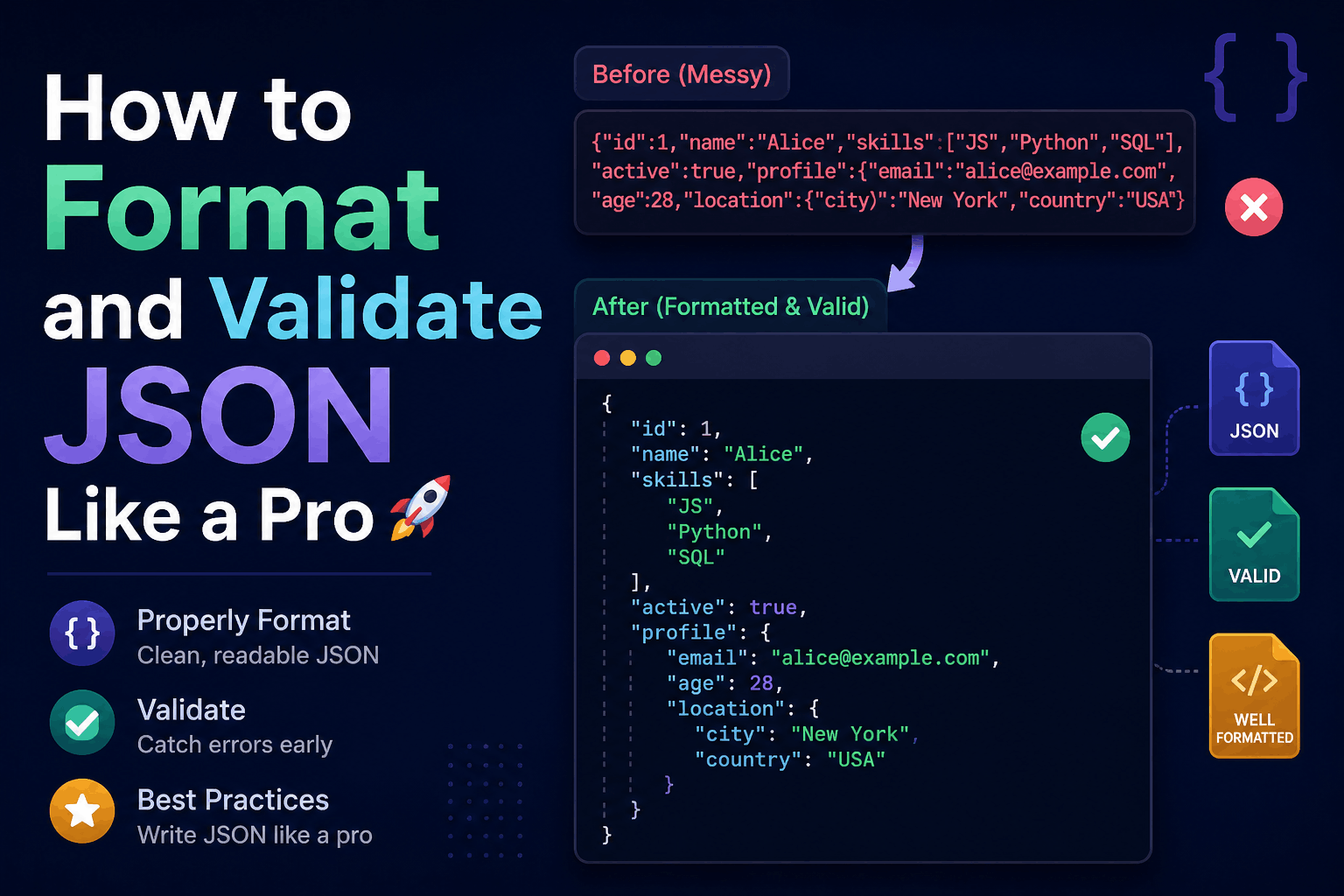
How to Format and Validate JSON Like a Pro
JSON is used in API requests, configuration files, application logs, message queues, and data storage. Its syntax is relatively small, but small mistakes can still cause failed deployments, rejected API requests, and difficult-to-diagnose bugs.
Formatting makes JSON easier for people to read. Parsing checks whether its syntax is valid. Schema validation answers a different question: whether valid JSON contains the fields and values your application expects.
This guide explains each step with practical JavaScript, PHP, Laravel, command-line, and JSON Schema examples.
What Is JSON?
JSON, or JavaScript Object Notation, is a text format for exchanging structured data.
A JSON document can contain:
- Objects
- Arrays
- Strings
- Numbers
- Booleans
null
Here is a valid JSON object:
{
  "name": "John Doe",
  "email": "john@example.com",
  "active": true,
  "roles": ["editor", "reviewer"],
  "profile": null
}
Although JSON’s syntax was inspired by JavaScript object literals, JSON and JavaScript are not identical.
For example, JSON does not support:
- Comments
- Functions
undefinedNaNInfinity- Single-quoted strings
- Unquoted property names
- Trailing commas
The JSON format and its interoperability requirements are defined in RFC 8259.
Formatting, Parsing, and Validation Are Different
These terms are frequently treated as synonyms, but they describe different operations.
Formatting
Formatting—or “pretty printing”—adds indentation and line breaks:
{"name":"John","active":true}Formatted:
{
  "name": "John",
  "active": true
}
Both versions represent the same data.
Parsing
Parsing converts JSON text into a value that a programming language can use. It also detects invalid JSON syntax.
For example:
const data = JSON.parse('{"name":"John"}');If the input is missing a quote or bracket, JSON.parse() throws an error.
Schema validation
Schema validation checks whether parsed data follows an expected contract.
This JSON is syntactically valid:
{
  "name": 47,
  "active": "yes"
}
But an application may require name to be a string and active to be a Boolean. Those are contract violations, not JSON syntax errors.
How to Format JSON
Use a consistent indentation style. Two spaces are common for web projects, while some teams prefer four.
JavaScript can format an existing value with JSON.stringify():
const user = {
  name: "John Doe",
  active: true,
  roles: ["editor", "reviewer"]
};

const formatted = JSON.stringify(user, null, 2);

console.log(formatted);
Output:
{
  "name": "John Doe",
  "active": true,
  "roles": [
    "editor",
    "reviewer"
  ]
}
The arguments mean:
user: Value to serializenull: No replacer function or property list2: Number of indentation spaces
JSON.stringify() serializes a JavaScript value. It is not a repair tool for malformed JSON text. Invalid JSON must first be corrected or parsed by a tool specifically designed to provide repair suggestions.
Does JSON Key Order Matter?
Object member order should not be used to define business meaning.
These objects should normally be treated as equivalent:
{
  "name": "John",
  "active": true
}
{
"active": true,
"name": "John"
}Keep keys in a predictable order for readability and cleaner version-control changes, but do not make application behavior depend on that order.
Array order, by contrast, is meaningful:
{
  "steps": ["register", "verify", "activate"]
}
Changing the array order changes the sequence.
Common JSON Syntax Errors
1. Unquoted property names
Invalid:
{
  name: "John"
}
Valid JSON:
{
  "name": "John"
}
The invalid example is a JavaScript object literal, not JSON.
2. Single-quoted strings
Invalid:
{
  'name': 'John'
}
Valid:
{
  "name": "John"
}
JSON strings and object names use double quotes.
3. Trailing commas
Invalid:
{
  "name": "John",
  "active": true,
}
Valid:
{
  "name": "John",
  "active": true
}
4. Comments
Invalid JSON:
{
  "environment": "production", // Current environment
  "debug": false
}
JSON does not support comments. If comments are necessary, use a format that explicitly supports them or store documentation separately.
5. Unescaped quotation marks
Invalid:
{
  "message": "He said "Hello"."
}
Valid:
{
  "message": "He said \"Hello\"."
}
6. Missing commas
Invalid:
{
  "name": "John"
  "active": true
}
Valid:
{
  "name": "John",
  "active": true
}
7. Invalid numbers
These values are not valid JSON numbers:
01
NaN
Infinity
+12
Use valid values such as:
{
  "count": 1,
  "temperature": -12.5,
  "ratio": 1.25e-3
}
Duplicate Object Keys
Avoid duplicate property names:
{
  "role": "user",
  "role": "admin"
}
Different parsers may handle duplicates differently. Some retain the last value, some report an error, and others expose every occurrence. RFC 8259 therefore recommends unique names within an object.
Duplicate keys can cause security and interoperability problems when two systems interpret the same payload differently.
Validate JSON Syntax in JavaScript
Use JSON.parse() inside try...catch:
function parseJson(input) {
  try {
    return {
      valid: true,
      value: JSON.parse(input),
      error: null
    };
  } catch (error) {
    return {
      valid: false,
      value: null,
      error: error.message
    };
  }
}

const result = parseJson('{"name":"John"}');

if (!result.valid) {
  console.error("Invalid JSON:", result.error);
} else {
  console.log("Parsed value:", result.value);
}
Parsing already performs syntax validation. There is usually no reason to “validate syntax” with a regular expression before calling JSON.parse().
Do not attempt to fully validate JSON with regex. JSON includes nested structures, escape sequences, numbers, and Unicode behavior that are better handled by a proper parser.
Validate JSON in PHP
PHP provides json_decode() and can throw an exception for malformed input:
<?php

function parseJson(string $input): array
{
    return json_decode(
        $input,
        true,
        512,
        JSON_THROW_ON_ERROR
    );
}

try {
    $data = parseJson($json);
    echo 'Valid JSON';
} catch (JsonException $exception) {
    echo 'Invalid JSON: ' . $exception->getMessage();
}
JSON_THROW_ON_ERROR is preferable to silently accepting a failed decode and checking ambiguous return values.
Remember that valid JSON can itself be null:
nullTherefore, testing only whether json_decode() returned null cannot reliably distinguish valid JSON null from a decoding error.
Validate JSON Requests in Laravel
Laravel normally parses a JSON request body when the request has the correct Content-Type header:
Content-Type: application/jsonYou can then validate the expected application fields:
use Illuminate\Http\Request;

public function store(Request $request)
{
    $validated = $request->validate([
        'name' => ['required', 'string', 'max:100'],
        'email' => ['required', 'email'],
        'active' => ['required', 'boolean'],
        'roles' => ['required', 'array', 'max:10'],
        'roles.*' => ['string', 'in:admin,editor,reviewer'],
    ]);

    return response()->json([
        'data' => $validated,
    ], 201);
}
This performs application validation after JSON parsing.
Also configure appropriate limits at the web server and application layers. A syntactically valid JSON body can still be too large, too deeply nested, or too expensive to process safely.
Structural Validation with JSON Schema
JSON Schema describes the expected shape and constraints of JSON data.
Here is a schema for a user object:
{
  "$schema": "https://json-schema.org/draft/2020-12/schema",
  "type": "object",
  "properties": {
    "name": {
      "type": "string",
      "minLength": 1,
      "maxLength": 100
    },
    "email": {
      "type": "string",
      "format": "email"
    },
    "active": {
      "type": "boolean"
    },
    "roles": {
      "type": "array",
      "items": {
        "type": "string",
        "enum": ["admin", "editor", "reviewer"]
      },
      "uniqueItems": true
    }
  },
  "required": ["name", "email", "active"],
  "additionalProperties": false
}
This schema requires:
- An object at the document root
- A nonempty
name - An
emailstring - A Boolean
activevalue - Optional roles from an approved list
- No unknown top-level properties
JSON Schema defines validation keywords and reusable contracts for JSON documents.
Check your validator’s documentation for supported schema drafts and options. In some implementations, formats such as email require explicit configuration before they are enforced as assertions.
Syntax Validation Is Not Business Validation
A schema cannot always represent every business rule.
Consider:
{
  "startDate": "2026-08-10",
  "endDate": "2026-08-01"
}
Both values may be correctly formatted dates, but the end date occurs before the start date.
Other examples of business validation include:
- Confirming that a referenced user exists
- Checking inventory availability
- Restricting actions based on permissions
- Ensuring a coupon has not expired
- Comparing values across several fields
- Verifying a signature
Use multiple validation layers:
- JSON syntax
- Structural or schema validation
- Business-rule validation
- Authorization
- Safe persistence and processing
JSON Strings, Dates, and Large Numbers
JSON has no dedicated date type. Dates are normally represented as strings:
{
  "createdAt": "2026-09-28T06:30:35Z"
}
Define the expected format in your API contract. ISO 8601 timestamps are commonly used, but producers and consumers must still agree on time zones and precision.
JSON also has one general number syntax rather than separate integer and decimal types. Large integers can lose precision in environments that store numbers as IEEE 754 floating-point values.
For identifiers or integers that may exceed JavaScript’s safe range, strings can be safer:
{
  "transactionId": "9223372036854775807"
}
Do not convert an identifier to a number unless arithmetic is genuinely required.
Handling Large JSON Files
Parsing a large JSON document normally requires holding both the source text and parsed structure in memory.
For large datasets, consider:
- Pagination
- Cursor-based API responses
- Streaming parsers
- Incremental processing
- Compressed transfer
- NDJSON or JSON Lines
- A format designed for streaming or binary data
NDJSON stores one JSON value per line:
{"id":1,"name":"First"}
{"id":2,"name":"Second"}
{"id":3,"name":"Third"}
Each line can be processed independently without loading one enormous array.
Standard JSON does not allow multiple top-level values in this way, so label the format accurately as NDJSON or JSON Lines.
Pretty JSON vs Minified JSON
Pretty-printed JSON is useful for:
- Local development
- Documentation
- Code review
- Debugging
- Manually maintained configuration files
Minified JSON is useful when reducing uncompressed payload size:
{"name":"John","active":true}With HTTP compression enabled, whitespace removal may produce a smaller benefit than expected. Choose formatting based on the intended reader and environment rather than assuming minification will create a major performance improvement.
Avoid logging a fully formatted multi-megabyte API response merely for readability. Structured and selective logging is safer and easier to search.
Security Considerations
Limit request size
Reject payloads that exceed reasonable limits before expensive processing begins.
Limit nesting and complexity
Extremely deep objects and arrays can consume excessive CPU or memory.
Validate before using values
Parsing proves only that the text is valid JSON. It does not prove that fields are safe, expected, or authorized.
Avoid unsafe object merging
Do not blindly merge untrusted objects into configuration or application objects. Depending on the language and library, dangerous property names may contribute to prototype-pollution or configuration-manipulation vulnerabilities.
Do not log secrets
Remove or redact:
- Passwords
- Authentication tokens
- API keys
- Session identifiers
- Personal information
- Payment details
Be careful with online formatters
Never paste confidential production payloads into a third-party JSON formatter unless its security, retention, and privacy behavior has been approved.
For sensitive data, use a local editor, command-line utility, or internal tool.
Useful Command-Line Checks
Python can validate and format a JSON file:
python -m json.tool input.jsonWrite the formatted result to another file:
python -m json.tool input.json > formatted.jsonWith jq, format a file:
jq . input.jsonMinify it:
jq -c . input.jsonMake a build fail when a file is invalid:
jq empty input.jsonThe exit code can be used in deployment scripts and continuous-integration pipelines.
A Reliable JSON Workflow
Use this workflow for application data and API contracts:
- Confirm the expected content type and character encoding.
- Enforce a reasonable input-size limit.
- Parse the JSON using a standard library.
- Report syntax errors without exposing sensitive internals.
- Validate the parsed value against a schema or request rules.
- Apply business and authorization checks.
- Normalize only values your contract permits.
- Process or store the validated data.
- Serialize responses with a standard JSON library.
- Test invalid, missing, duplicate, oversized, and boundary inputs.
Before deployment, follow a repeatable JSON validation checklist rather than relying only on manual testing.
Final Thoughts
Professional JSON handling involves more than adding indentation.
Formatting improves readability. Parsing checks syntax. Schema validation checks structure and types. Business validation determines whether the data is acceptable for a particular operation.
The most important practices are:
- Use standard parsers instead of regex.
- Keep object property names unique.
- Do not depend on object key order.
- Distinguish syntax errors from type and business-rule errors.
- Define contracts with JSON Schema or framework validation.
- Treat all external JSON as untrusted input.
- Set limits for large or deeply nested documents.
- Keep confidential payloads out of public online tools.
A properly designed validation pipeline makes APIs easier to integrate with, reduces production failures, and prevents malformed or unexpected data from reaching critical application logic.
Try Next
Other utilities you might find helpful
Regex Tester
Test and debug regular expressions with live matches.
Regex Debugger
Understand regex step-by-step with explanations.
JSON Formatter
Format, validate, and minify JSON instantly.
Base64 Encoder/Decoder
Encode and decode Base64 strings and files.
SQL Explain Parser
Analyze SQL execution plans and optimize queries.
DOM Complexity Analyzer
Analyze HTML DOM structure, detect deep nesting, count nodes, and identify performance issues instantly.