
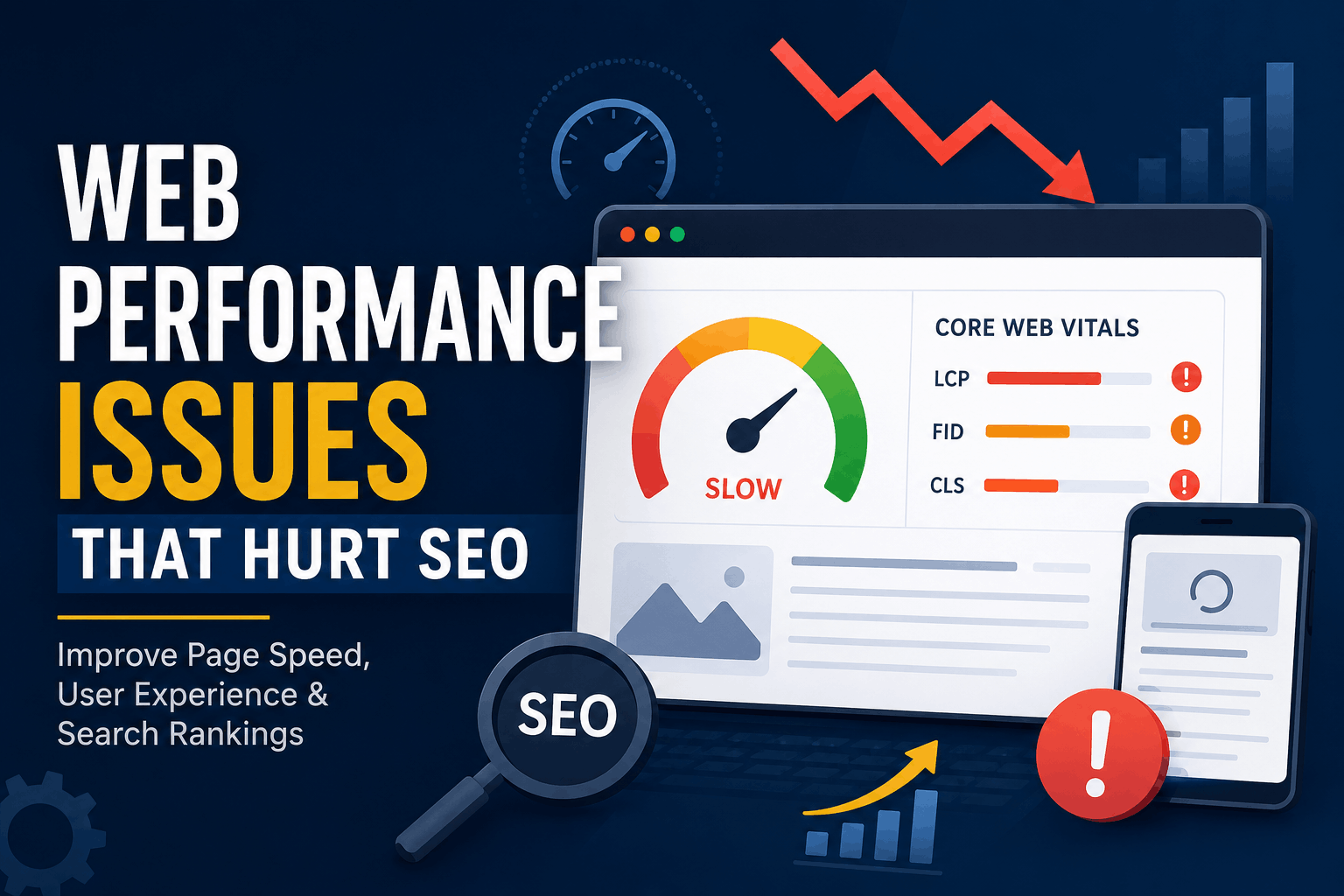
Web Performance Issues That Hurt SEO
Website performance is an important part of technical SEO and user experience. A slow or unstable website can frustrate visitors, reduce conversions, and make content harder to use—especially on mobile devices.
Google uses Core Web Vitals as part of its ranking systems, but performance is only one factor. Excellent performance scores cannot compensate for unhelpful or irrelevant content,
and a perfect Lighthouse score does not guarantee higher rankings. Google Page Experience reference
For developers, the goal should not be to chase a score of 100. The goal is to deliver useful content through a fast, stable, accessible, and responsive website.
This guide explains the most common web performance problems that can affect SEO and shows how to address them, including practical recommendations for Laravel applications.
How Web Performance Affects SEO
Good performance can support SEO by:
- Improving the browsing experience
- Helping users access content quickly
- Reducing abandoned visits
- Improving usability on mobile devices
- Making interactive elements more responsive
- Helping search engines efficiently fetch site resources
- Supporting conversions and engagement
Performance becomes especially important when several pages offer similarly relevant and useful information. In those situations, a better page experience may contribute to success in search. Page experience In Search
However, performance optimization should complement—not replace—useful content, good site structure, descriptive titles, internal links, and proper indexability.
1. Slow Page Loading
Slow page loading is one of the most noticeable performance problems. Visitors may leave if they see a blank page or wait too long for the main content to appear.
Common causes include:
- Oversized images
- Slow server responses
- Unoptimized CSS and JavaScript
- Render-blocking resources
- Excessive database queries
- Too many third-party scripts
- Poor hosting configuration
How to improve loading speed
Start with the resources that have the greatest effect:
- Convert suitable images to WebP or AVIF.
- Serve images at the dimensions at which they are displayed.
- Minify production CSS and JavaScript.
- Remove unused scripts and styles.
- Enable Brotli or GZIP compression.
- Configure browser and CDN caching.
- Preload only critical resources.
- Use a content delivery network when serving users across multiple regions.
Measure the page before and after each major change. This helps identify improvements that produce real results instead of merely changing a laboratory score.
2. Poor Core Web Vitals
Core Web Vitals measure important aspects of real-world page experience. The current metrics are:
- Largest Contentful Paint (LCP): Measures how quickly the main content becomes visible. A good target is 2.5 seconds or less.
- Interaction to Next Paint (INP): Measures how quickly the page responds to user interactions. A good target is 200 milliseconds or less.
- Cumulative Layout Shift (CLS): Measures unexpected visual movement. A good target is 0.1 or less.
INP replaced First Input Delay as a Core Web Vital in March 2024. Core Web Vitals
How to improve LCP
- Optimize the primary image or content block.
- Avoid lazy-loading the LCP image.
- Preload the LCP image when appropriate.
- Reduce server response time.
- Inline small amounts of critical CSS.
- Remove unnecessary render-blocking resources.
How to improve INP
- Break long JavaScript tasks into smaller operations.
- Remove unused JavaScript.
- Reduce expensive event handlers.
- Delay nonessential third-party scripts.
- Avoid performing large DOM updates after every interaction.
- Use web workers for suitable CPU-intensive tasks.
How to improve CLS
- Specify width and height for images and videos.
- Reserve space for advertisements and embeds.
- Avoid inserting banners above existing content.
- Preload important fonts carefully.
- Use font-display to control font rendering.
- Prefer transform and opacity for animations.
Use Search Console’s Core Web Vitals report for field data and Lighthouse or PageSpeed Insights for diagnostics.
3. Unoptimized Images
Images are frequently among the largest resources on a page. Uploading a 4,000-pixel image and displaying it at 800 pixels forces visitors to download unnecessary data.
Image optimization checklist
- Resize images before publishing.
- Use WebP or AVIF where browser support allows.
- Provide responsive versions with srcset.
- Compress images without visibly damaging quality.
- Specify image dimensions.
- Lazy-load below-the-fold images.
- Avoid lazy-loading the main above-the-fold image.
- Use descriptive alternative text when an image conveys information.
For Laravel applications, image processing can be performed during upload. Generate several sizes, store the optimized files, and serve the most appropriate size for the visitor’s viewport.
Do not perform expensive image conversion during a normal page request. Send it to a queue instead.
4. Excessive JavaScript
JavaScript can add useful functionality, but excessive execution delays rendering and makes interactions feel unresponsive.
Common problems include:
- Shipping an entire framework for a small widget
- Loading code that the current page never uses
- Large client-side bundles
- Expensive hydration
- Multiple analytics and advertising scripts
- Complex animations
- Repeated DOM updates
Reducing JavaScript overhead
- Remove unused packages and components.
- Split bundles by page or feature.
- Load noncritical modules dynamically.
- Use defer for scripts that do not need to block parsing.
- Avoid loading third-party scripts until they are needed.
- Prefer server-rendered HTML for important content.
- Profile long tasks in Chrome DevTools.
Laravel applications using Vite can split JavaScript into smaller modules and dynamically import features:
document.querySelector('#open-chart')?.addEventListener('click', async () => { const { renderChart } = await import('./chart.js'); renderChart(); });This prevents chart code from being included in the initial execution path when the visitor never opens the chart.
5. Slow Server Response Time
Time to First Byte measures how long the browser waits before receiving the first response data. A slow response delays everything that follows, including the LCP element.
Backend delays can result from:
- Slow database queries
- N+1 query problems
- External API calls
- Missing application caching
- Expensive middleware
- Synchronous email or image processing
- Limited server resources
- Lack of PHP opcode caching
Laravel production optimizations
Laravel provides commands that can reduce framework initialization work:
php artisan config:cache php artisan route:cache php artisan view:cache
Run these during deployment rather than during every request.
Other useful improvements include:
- Enable PHP OPcache.
- Use Redis for suitable cache and session workloads.
- Move email, image processing, and exports to queues.
- Monitor slow database queries.
- Cache expensive results with an appropriate expiration time.
- Avoid calling external APIs while rendering an indexable page.
Example:
$articles = Cache::remember('homepage:articles', now()->addMinutes(10), function () { return Article::query() ->published() ->latest('published_at') ->take(10) ->get(); });Cache keys must be invalidated or refreshed when the underlying content changes.
6. Database Query Bottlenecks
Dynamic Laravel pages can become slow even when the frontend is well optimized. Database performance should therefore be measured separately from asset performance.
Common database problems
- N+1 queries
- Missing indexes
- Selecting unnecessary columns
- Unbounded result sets
- Slow joins
- Sorting large tables without an index
- Running the same query repeatedly
- Counting large datasets on every request
An N+1 problem might occur when a template loads each article’s author separately:
$articles = Article::latest()->take(20)->get();If the view accesses $article->author, Laravel may run an additional query for every article. Eager loading avoids that pattern:
$articles = Article::query() ->with('author:id,name') ->latest() ->take(20) ->get(['id', 'author_id', 'title', 'slug', 'published_at']);Use Laravel Debugbar locally or an application-performance monitoring service in production to identify actual bottlenecks. Do not add indexes blindly; inspect query patterns and execution plans first.
7. Render-Blocking CSS and JavaScript
Browsers may need to download and process certain files before displaying visible content. Large blocking files can delay the initial render and LCP.
Recommended improvements
- Keep critical above-the-fold CSS small.
- Remove unused CSS.
- Split styles by layout or feature where practical.
- Defer noncritical JavaScript.
- Avoid long chains of CSS imports.
- Preload only high-priority resources.
- Load optional widgets after the main content.
Do not inline an entire stylesheet. Excessive inline CSS increases document size and prevents efficient reuse across pages.
8. Poor Mobile Performance
Google primarily uses the mobile version of a site’s content for indexing and ranking. The mobile version should therefore contain the same meaningful content, headings, structured data, and metadata as the desktop version.
Common mobile problems include:
- Large desktop images sent to small screens
- Excessive JavaScript execution
- Fixed-width layouts
- Small text
- Closely spaced controls
- Intrusive overlays
- Navigation that is difficult to use
- Content missing from the mobile version
Test important templates on real or throttled mobile devices. A page that performs well on a development computer and fast connection may perform poorly on an entry-level phone.
9. Incorrect Caching
Caching can reduce server work and avoid repeatedly downloading unchanged resources. Incorrect caching, however, can serve outdated pages or private information to the wrong visitor.
Useful caching layers include:
- Browser caching
- CDN caching
- Full-page caching
- Application caching
- Database-query caching
- PHP opcode caching
Static versioned assets can generally receive long cache lifetimes:
Cache-Control: public, max-age=31536000, immutableHTML requires more careful handling. Pages containing personal, account, cart, or session-specific data should not be publicly cached unless the implementation safely separates users.
10. Heavy Third-Party Scripts
Analytics platforms, advertisements, chat widgets, embedded videos, consent managers, and social media components can consume significant network and CPU resources.
Because these scripts are controlled by external providers, their performance may change without a deployment to your website.
Reducing third-party impact
- Remove tools that are no longer used.
- Avoid installing several tools with overlapping purposes.
- Load chat or video components after interaction.
- Use a preview image instead of immediately loading an embedded player.
- Delay nonessential marketing scripts.
- Measure each script’s network and main-thread cost.
- Review third-party resources regularly.
Consent and privacy requirements must still be respected. Performance improvements should not bypass legally required controls.
11. Poor Font Loading
Web fonts can delay text rendering or cause layout movement when fallback text is replaced.
To improve font performance:
- Use only the font weights and styles actually required.
- Prefer WOFF2.
- Subset fonts where licensing permits.
- Self-host fonts when appropriate.
- Preload only critical font files.
- Configure font-display.
- Choose fallback fonts with similar dimensions.
Avoid loading several font families merely for decorative differences. System fonts can be an effective choice for performance-sensitive interfaces.
12. Missing CDN or Inefficient Asset Delivery
A content delivery network stores files at distributed locations so visitors can retrieve them from a nearby server. This can reduce latency and origin-server load.
A CDN is particularly useful for:
- Images
- CSS and JavaScript
- Fonts
- Downloadable files
- Websites with geographically distributed visitors
- Sites experiencing traffic spikes
Popular providers include Cloudflare, BunnyCDN, and AWS CloudFront.
A CDN does not fix a slow database query or inefficient Laravel controller. It should be used alongside backend optimization, not as a substitute for it.
How to Audit Website Performance
Use a combination of laboratory and field data.
Recommended tools
- Google Search Console: Core Web Vitals and indexing information
- PageSpeed Insights: Field data when available and Lighthouse diagnostics
- Chrome DevTools: Network, coverage, rendering, and performance profiling
- Lighthouse: Controlled laboratory audits
- WebPageTest: Waterfalls, filmstrips, and test-location controls
- Laravel Telescope: Application requests, queries, jobs, and exceptions
- Application monitoring: Production response times and slow transactions
When auditing a page:
- Record the current metrics.
- Identify the largest bottleneck.
- Make one meaningful change.
- Test again under the same conditions.
- Verify that the change helps real users.
- Monitor for regressions after deployment.
Performance Optimization Priorities
If resources are limited, address issues in this order:
- Confirm that the page returns a successful response and renders its main content.
- Reduce slow server and database response times.
- Optimize the LCP element.
- Fix major layout shifts.
- Reduce long JavaScript tasks and improve INP.
- Optimize images and fonts.
- Delay unnecessary third-party scripts.
- Configure caching and CDN delivery.
- Monitor field data after deployment.
Avoid spending hours on tiny score improvements while serious content, accessibility, or usability problems remain.
Final Thoughts
Web performance is not a shortcut to higher rankings. It is one part of creating a useful, accessible, and reliable website.
Developers should concentrate on improvements that visitors can actually experience: faster main content, responsive interactions, stable layouts, efficient mobile pages, and dependable server responses.
For Laravel projects, this usually requires work across the entire stack—from Eloquent queries and Redis caching to Vite bundles, image delivery, queues, and server configuration.
Measure first, fix the largest bottlenecks, and test again. Consistent, evidence-based optimization is more valuable than chasing a perfect performance score.
Try Next
Other utilities you might find helpful
Regex Tester
Test and debug regular expressions with live matches.
Regex Debugger
Understand regex step-by-step with explanations.
JSON Formatter
Format, validate, and minify JSON instantly.
Base64 Encoder/Decoder
Encode and decode Base64 strings and files.
SQL Explain Parser
Analyze SQL execution plans and optimize queries.
DOM Complexity Analyzer
Analyze HTML DOM structure, detect deep nesting, count nodes, and identify performance issues instantly.