
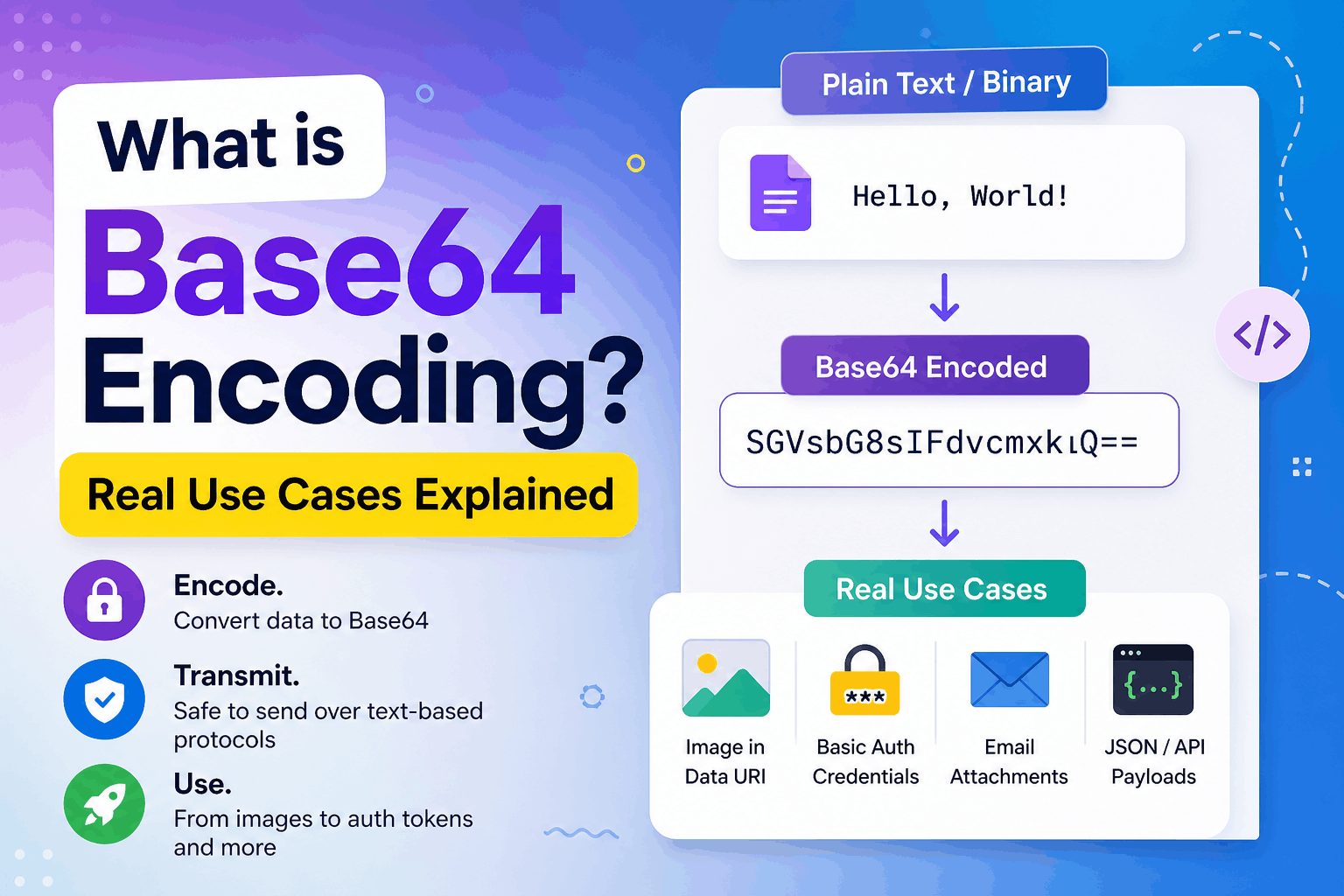
What is Base64 Encoding? Real Use Cases Explained
Base64 is commonly found in API responses, email attachments, data URLs, authentication headers, and security tokens. It usually appears as a long string containing letters, numbers, and characters such as +, /, or =.
For example:
SGVsbG8sIFdvcmxkIQ==Although the result may look encrypted, Base64 provides no confidentiality or security. It is an encoding method that represents binary data using printable text characters.
This guide explains how Base64 works, where developers use it, its limitations, and when a different format is the better choice.
What Is Base64 Encoding?
Base64 is a binary-to-text encoding method. It converts a sequence of bytes—such as an image, PDF, cryptographic key, or text file—into a string that text-oriented systems can safely process.
Standard Base64 uses this 64-character alphabet:
ABCDEFGHIJKLMNOPQRSTUVWXYZabcdefghijklmnopqrstuvwxyz0123456789+/The = character may appear at the end as padding. It is not part of the 64-character alphabet.
The standard Base64 format is defined in RFC 4648. RFC reference
Why Is It Called Base64?
The name refers to the number of symbols in its alphabet.
Each Base64 character represents one of 64 possible values. Because $2^6 = 64$, each character represents six bits of data.
Base64 converts groups of three input bytes, or 24 bits, into four six-bit values:
3 bytes × 8 bits = 24 bits 4 Base64 characters × 6 bits = 24 bits
That conversion is also why Base64 output is usually larger than the original data.
A Simple Base64 Example
Consider the text:
HelloIts Base64 representation is:
SGVsbG8=Decoding SGVsbG8= produces the original bytes for Hello.
Encoding does not hide the content. Anyone with a Base64 decoder can reverse the transformation.
How Base64 Encoding Works
At a simplified level, Base64 encoding follows these steps:
- Read the input as bytes.
- Convert those bytes into bits.
- Divide the bits into six-bit groups.
- Convert each six-bit value to a character from the Base64 alphabet.
- Add padding when the final input group is incomplete.
Example using the letter “M”
The ASCII value of M is 77, represented as:
01001101Base64 processes data in 24-bit groups. Because this example contains only eight bits, zeros are added temporarily to complete the group:
010011 010000 000000 000000The first two groups map to T and Q. Because the original input contained only one byte, two padding characters are added:
TQ==Those added zero bits are not part of the decoded data. Padding tells the decoder how much meaningful data was present in the final group.
Why Base64 Is Used
Base64 is useful when binary data must pass through a system designed primarily for text.
Common examples include:
- Email attachments
- JSON fields that must represent bytes
- Data URLs
- HTTP Basic Authentication
- PEM certificates and keys
- API fields that explicitly require Base64
- Cryptographic digests displayed as text
Modern systems can often transfer binary data directly, so Base64 should not be the default choice for every file transfer.
Base64 Is Not Encryption
Base64 encoding is reversible and does not require a secret key.
Compare the concepts:
| Technique | Purpose | Requires a key? | Provides confidentiality? |
|---|---|---|---|
| Base64 encoding | Represent bytes as text | No | No |
| URL encoding | Safely represent URL components | No | No |
| Hashing | Produce a one-way digest | No | No |
| Encryption | Protect data from unauthorized access | Yes | Yes |
Never use Base64 alone to protect:
- Passwords
- API credentials
- Personal information
- Session tokens
- Payment details
- Private application data
If data must remain secret, use established encryption and secure transport protocols.
Standard Base64 vs Base64url
Standard Base64 uses + and /. Those characters can be inconvenient inside URL paths and query parameters.
Base64url is a related variant that replaces:
- + with -
- / with _
Padding may also be omitted when the surrounding specification permits it. Base64 and Base64url should not be treated as identical formats.
Example:
Standard Base64: ab+c/def== Base64url: ab-c_defBase64url is used in formats such as JSON Web Tokens. A JWT usually contains Base64url-encoded sections, not standard Base64 strings.
Encoding a JWT section does not make its content secret. The header and payload can normally be decoded by anyone. A signature can verify integrity and authenticity, but it does not encrypt the payload.
Practical Base64 Use Cases
1. Email attachments
Email was originally designed around text-based transmission. MIME can use Base64 to represent binary attachments such as images, documents, and PDFs.
Email software generally performs this conversion automatically. Application developers rarely need to manually encode attachments unless they are building a MIME message or working directly with an email API.
2. Binary values in JSON
JSON has strings, numbers, booleans, arrays, objects, and null, but it does not have a native binary-byte type.
An API may therefore represent a small binary value as a Base64 string:
{ "filename": "hello.txt", "contentType": "text/plain", "data": "SGVsbG8sIFdvcmxkIQ==" }This can be convenient for small payloads, but it is inefficient for large files.
For normal file uploads, multipart/form-data, direct object-storage uploads, or a binary request body is often more efficient.
3. Data URLs
A data URL can embed a resource directly into HTML or CSS:
<img src="data:image/png;base64,iVBORw0KGgoAAAANSUhEUg..." alt="Example icon" >A CSS example:
.icon { background-image: url("data:image/png;base64,iVBORw0KGgo..."); }This can be useful for tiny, self-contained resources, generated previews, or HTML email templates.
However, embedded Base64 assets:
- Increase the size of the HTML or CSS
- Cannot always be cached independently
- Must be decoded by the browser
- Can make source files difficult to maintain
- May delay delivery of the containing document
With HTTP/2 and HTTP/3, eliminating one small request is usually less valuable than it was with older HTTP versions. Do not automatically convert every image to a data URL.
4. HTTP Basic Authentication
HTTP Basic Authentication combines a username and password with a colon:
username:passwordIt then encodes the result as Base64:
Authorization: Basic dXNlcm5hbWU6cGFzc3dvcmQ=This encoding does not protect the credentials. Basic Authentication should only be used over HTTPS and should be handled carefully because each authenticated request can contain the credential value.
The Basic Authentication specification describes the scheme and its security considerations.
5. Certificates and cryptographic material
PEM files use Base64 to place binary cryptographic data inside a text document:
-----BEGIN CERTIFICATE----- MIID... -----END CERTIFICATE-----The header and footer identify the type of data, while the content between them is typically Base64-encoded.
Once again, encoding does not make a private key safe. File permissions, encryption, secret management, and access controls remain necessary.
6. API fields that require Base64
Some APIs explicitly require Base64 for:
- Small images
- Signatures
- Hash values
- Credentials
- Encrypted byte sequences
- File contents
Follow the API specification exactly. Check whether it expects:
- Standard Base64 or Base64url
- Padding or no padding
- Raw bytes or a UTF-8 string
- A complete data URL or only the encoded value
Many Base64 integration errors come from using the wrong variant or encoding the wrong representation.
Base64 in JavaScript
For simple Latin-1-compatible strings, browsers provide btoa() and atob():
const encoded = btoa("Hello World"); console.log(encoded); // SGVsbG8gV29ybGQ= const decoded = atob(encoded); console.log(decoded); // Hello WorldThe Unicode problem
btoa() operates on a binary string whose characters must fit into a single byte. Passing arbitrary Unicode text can fail:
btoa("Hello 👋"); // May throw an exceptionUse TextEncoder to convert Unicode text to UTF-8 bytes before encoding it. Mozilla
function bytesToBase64(bytes) { const binary = Array.from(bytes, byte => String.fromCodePoint(byte) ).join(""); return btoa(binary); } function base64ToBytes(base64) { const binary = atob(base64); return Uint8Array.from(binary, character => character.codePointAt(0) ); } const input = "Hello 👋"; const bytes = new TextEncoder().encode(input); const encoded = bytesToBase64(bytes); const decodedBytes = base64ToBytes(encoded); const decoded = new TextDecoder().decode(decodedBytes); console.log(encoded); console.log(decoded);For large files, avoid building huge intermediate strings in memory. Prefer browser file APIs, streaming approaches, or direct binary uploads.
Base64 in PHP
PHP provides base64_encode() and base64_decode():
<?php $original = 'Hello World'; $encoded = base64_encode($original); $decoded = base64_decode($encoded, true); echo $encoded; echo $decoded;Passing true as the second argument enables strict decoding. Invalid characters cause base64_decode() to return false:
<?php $decoded = base64_decode($input, true); if ($decoded === false) { throw new InvalidArgumentException('Invalid Base64 input.'); }Strict decoding is helpful when accepting untrusted data, but validation must not stop there. After decoding a file, also check:
- Maximum byte size
- Actual file type
- Expected MIME type
- Image dimensions, when relevant
- File signatures or magic bytes
- Storage destination
- Authorization rules
Do not trust a filename, MIME type, or data-URL prefix supplied by the client.
Base64 in Laravel
Laravel applications can decode a Base64 image before storing it:
use Illuminate\Http\Request; use Illuminate\Support\Facades\Storage; use Illuminate\Validation\ValidationException; use Illuminate\Support\Str; public function store(Request $request) { $request->validate([ 'image' => ['required', 'string'], ]); $value = $request->string('image')->toString(); if (str_contains($value, ',')) { [, $value] = explode(',', $value, 2); } $binary = base64_decode($value, true); if ($binary === false) { throw ValidationException::withMessages([ 'image' => 'The image is not valid Base64 data.', ]); } if (strlen($binary) > 5 * 1024 * 1024) { throw ValidationException::withMessages([ 'image' => 'The decoded image must not exceed 5 MB.', ]); } $imageInfo = getimagesizefromstring($binary); if ($imageInfo === false) { throw ValidationException::withMessages([ 'image' => 'The decoded data is not a valid image.', ]); } $allowedTypes = [ IMAGETYPE_JPEG => 'jpg', IMAGETYPE_PNG => 'png', IMAGETYPE_WEBP => 'webp', ]; $extension = $allowedTypes[$imageInfo[2]] ?? null; if ($extension === null) { throw ValidationException::withMessages([ 'image' => 'Only JPEG, PNG, and WebP images are supported.', ]); } $path = 'uploads/' . Str::uuid() . '.' . $extension; Storage::put($path, $binary); return response()->json([ 'path' => $path, ], 201); }This example validates the decoded size and inspects the actual image data. A production application should also apply authorization, rate limits, malware controls where appropriate, and secure storage permissions.
For large images, use multipart/form-data or direct uploads to object storage instead of placing Base64 in JSON.
Why Base64 Increases File Size
Base64 turns every three bytes of input into four output characters.
The encoded length is:
4 × ceil(number of bytes ÷ 3)
Examples:
| Original size | Base64 length | Approximate increase |
|---|---|---|
| 1 byte | 4 characters | 300% |
| 2 bytes | 4 characters | 100% |
| 3 bytes | 4 characters | 33.3% |
| 1,024 bytes | 1,368 characters | 33.6% |
For large inputs, the overhead approaches approximately 33%. Small inputs can have a higher percentage because of padding.
HTTP compression may reduce the transferred size of some Base64 text, but Base64 still creates processing, memory, and storage overhead. Compression should not be used as a reason to encode large files unnecessarily.
Common Base64 Mistakes
Using Base64 as encryption
Base64 provides no secrecy. If data is sensitive, encoding it is not enough.
Encoding a string twice
Double encoding produces a valid-looking but incorrect result:
Hello → SGVsbG8= → U0dWc2JHOD0=Document whether a field expects raw bytes, plain text, or an already encoded value.
Confusing Base64 with Base64url
Standard Base64 and Base64url use different characters. Converting between them may also require adding or removing padding.
Encoding large API uploads
Putting a large file inside JSON increases request size and may require several copies of the data in application memory.
Prefer streaming, multipart uploads, or direct object-storage uploads.
Ignoring decoded size
A short validation rule applied only to the encoded string is not sufficient. Set limits on both the incoming request and the decoded result.
Trusting a data-URL prefix
This input is only a client-provided claim:
data:image/png;base64,...
The decoded bytes might contain something else. Inspect the actual content before storing or serving it.
Storing authentication tokens because they “look encoded”
Whether a token contains Base64 is unrelated to safe browser storage. JavaScript-accessible storage such as localStorage can be exposed if the application has a cross-site scripting vulnerability.
Choose token storage based on the application’s security model—not on the token’s encoding.
When Should You Use Base64?
Base64 is appropriate when:
- A text-only format must carry binary bytes
- A protocol explicitly requires it
- A small resource must be embedded in a self-contained document
- Binary values need a readable text representation
- You are constructing MIME or PEM data
- An API contract specifies Base64 or Base64url
Avoid Base64 when:
- You need confidentiality
- You are transferring large files
- A normal binary or multipart upload is available
- Independent browser caching is beneficial
- Memory usage is important
- A public file URL is simpler
- You are considering it only to reduce HTTP requests
Base64, URL Encoding, and UTF-8
These formats solve different problems:
| Format | Purpose |
|---|---|
| Base64 | Represents arbitrary bytes as text |
| Base64url | Represents bytes using URL-friendly characters |
| Percent encoding | Escapes characters within URL components |
| UTF-8 | Converts Unicode characters into bytes |
| Hexadecimal | Represents each byte using two base-16 characters |
A typical workflow may involve more than one layer:
Unicode text → UTF-8 bytes → Base64 textThe receiver reverses the process:
Base64 text → bytes → UTF-8 textKnowing which layer you are working with prevents corrupted characters and decoding errors.
Final Thoughts
Base64 is a practical method for representing binary data as text. It is widely supported and useful when a protocol or file format cannot directly carry arbitrary bytes.
Its limitations are equally important:
- It is not encryption.
- It increases data size.
- Standard Base64 is not automatically URL-safe.
- Browser functions such as btoa() require careful Unicode handling.
- It is usually inefficient for large uploads.
- Decoded content must still be validated.
Use Base64 when the surrounding format requires text. When a system supports binary data directly, sending the original bytes is often simpler and more efficient.
Try Next
Other utilities you might find helpful
Regex Tester
Test and debug regular expressions with live matches.
Regex Debugger
Understand regex step-by-step with explanations.
JSON Formatter
Format, validate, and minify JSON instantly.
Base64 Encoder/Decoder
Encode and decode Base64 strings and files.
SQL Explain Parser
Analyze SQL execution plans and optimize queries.
DOM Complexity Analyzer
Analyze HTML DOM structure, detect deep nesting, count nodes, and identify performance issues instantly.