
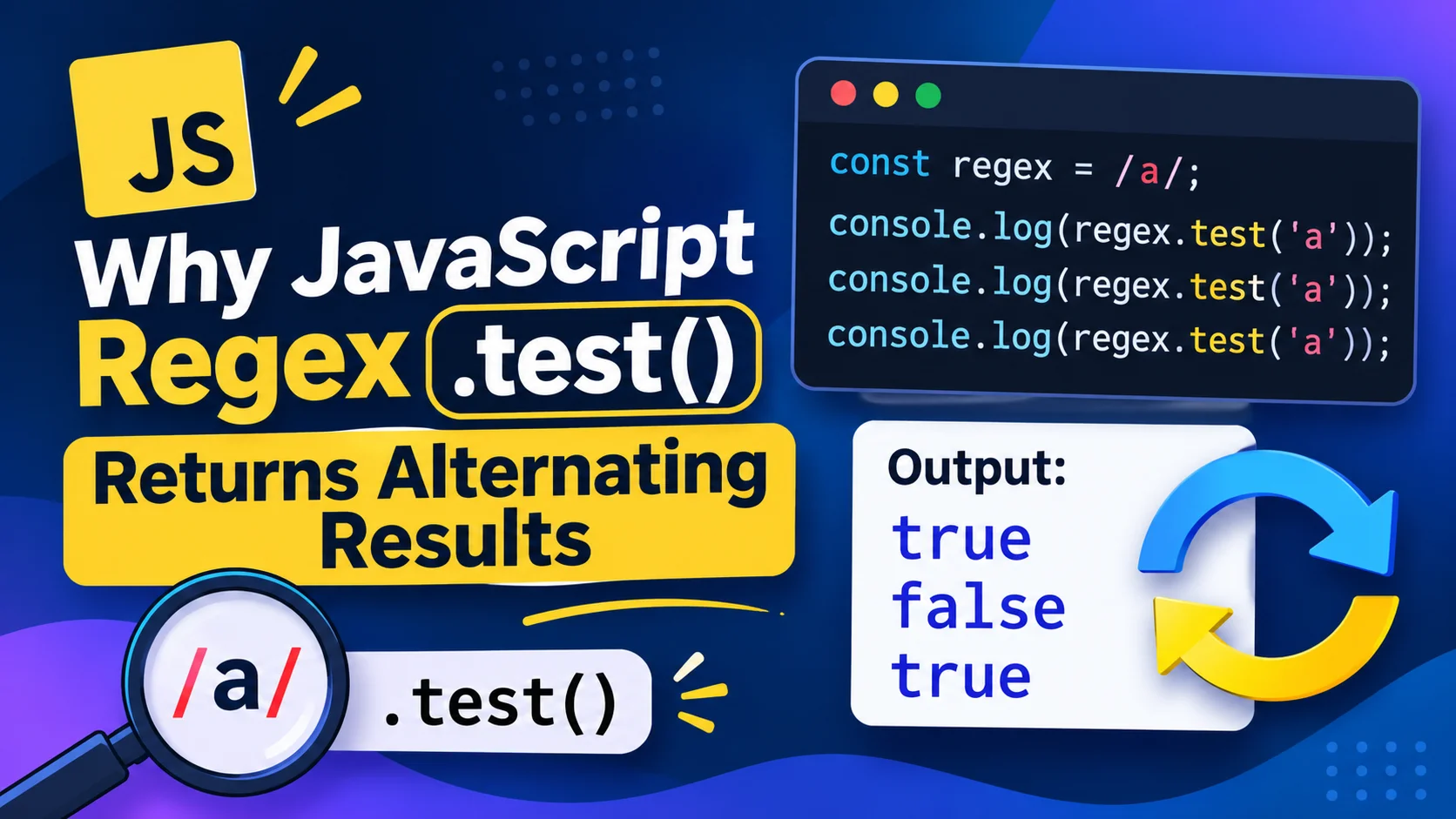
Why JavaScript Regex .test() Returns Alternating Results
You call .test() with the same regular expression and string, but the result changes:
const regex = /cat/g;

console.log(regex.test("cat")); // true
console.log(regex.test("cat")); // false
console.log(regex.test("cat")); // true
This happens because the regular expression has the global (g) flag. Global and sticky (y) regular expressions keep a lastIndex value, and .test() uses it to decide where the next search starts.
If you only want to check whether a pattern exists, the usual fix is simple: remove the g flag.
Why the result changes
A regular expression with the g flag remembers the position where its previous match ended.
const regex = /cat/g;

console.log(regex.lastIndex);     // 0
console.log(regex.test("cat"));   // true
console.log(regex.lastIndex);     // 3
console.log(regex.test("cat"));   // false
console.log(regex.lastIndex);     // 0
After the first match, lastIndex is 3—the end of "cat". The next call starts searching from that position. There’s no match there, so .test() returns false and resets lastIndex to 0. The following call starts at the beginning again.
That’s why repeated calls can appear to alternate between true and false.
Fix 1: Remove g when you only need a yes-or-no answer
For a simple check, use a regex without the global flag:
const hasCat = /cat/;

console.log(hasCat.test("cat")); // true
console.log(hasCat.test("cat")); // true
console.log(hasCat.test("cat")); // true
The g flag means “find matches globally.” You don’t need it just to ask whether a match exists. Without g or y, the regex doesn’t use a moving lastIndex between calls.
For example, a form check can use a non-global regex:
const hasDigit = /\d/;

console.log(hasDigit.test("room 12")); // true
console.log(hasDigit.test("room 34")); // true
Fix 2: Reset lastIndex before every test
Sometimes you need to keep the global flag—for example, because the same regex is also used to find multiple matches. Reset its position before each independent check:
const regex = /\d+/g;

function containsNumber(text) {
  regex.lastIndex = 0;
  return regex.test(text);
}

console.log(containsNumber("room 12")); // true
console.log(containsNumber("room 34")); // true
This makes each call start at the beginning of the string.
You can also reset the regex manually:
regex.lastIndex = 0;
const found = regex.test(input);
Why it can fail across different strings
A successful test doesn’t always reset lastIndex. That means reusing the same global regex for a list of strings can skip matches unexpectedly.
const hasDigit = /\d/g;
const values = ["a1", "b2", "c3"];

const results = values.map((value) => hasDigit.test(value));

console.log(results); // [true, false, true]
The second test starts at the previous match position. Reset the index before each check—or use a non-global regex if you only need a boolean.
const hasDigit = /\d/;

const results = values.map((value) => hasDigit.test(value));

console.log(results); // [true, true, true]
What if you need to find every match?
If your goal is to collect all matching text, .test() is the wrong tool: it returns a boolean. Use a global regex with a method intended for retrieving matches.
const text = "Room 12, floor 3";
const numbers = [...text.matchAll(/\d+/g)].map((match) => match[0]);

console.log(numbers); // ["12", "3"]
Here, g is appropriate because the code wants every match—not a yes-or-no answer.
Does the sticky (y) flag cause the same issue?
It can. Global (g) and sticky (y) regexes both use lastIndex. The sticky flag requires a match at the current index rather than searching ahead, so reusing a sticky regex also requires you to manage its position deliberately.
Quick checklist
If .test() returns inconsistent results, check:
- Does the regex have a
goryflag? - Are you reusing the same regex object?
- Do you need all matches, or only a boolean result?
- If you need a boolean, can you remove
g? - If you need to keep
gory, are you resettinglastIndexwhen starting a new check?
Final takeaway
A regex with the g flag remembers where its previous match ended. When you call .test() again, it may continue from that saved position instead of starting over.
For a yes-or-no check, remove g. For repeated tests with a global or sticky regex, reset lastIndex. Keep the global flag when you actually need to process multiple matches.
Read Also: Javascript Event Loop Explained
Try Next
Other utilities you might find helpful
Regex Tester
Test and debug regular expressions with live matches.
Regex Debugger
Understand regex step-by-step with explanations.
JSON Formatter
Format, validate, and minify JSON instantly.
Base64 Encoder/Decoder
Encode and decode Base64 strings and files.
SQL Explain Parser
Analyze SQL execution plans and optimize queries.
DOM Complexity Analyzer
Analyze HTML DOM structure, detect deep nesting, count nodes, and identify performance issues instantly.