
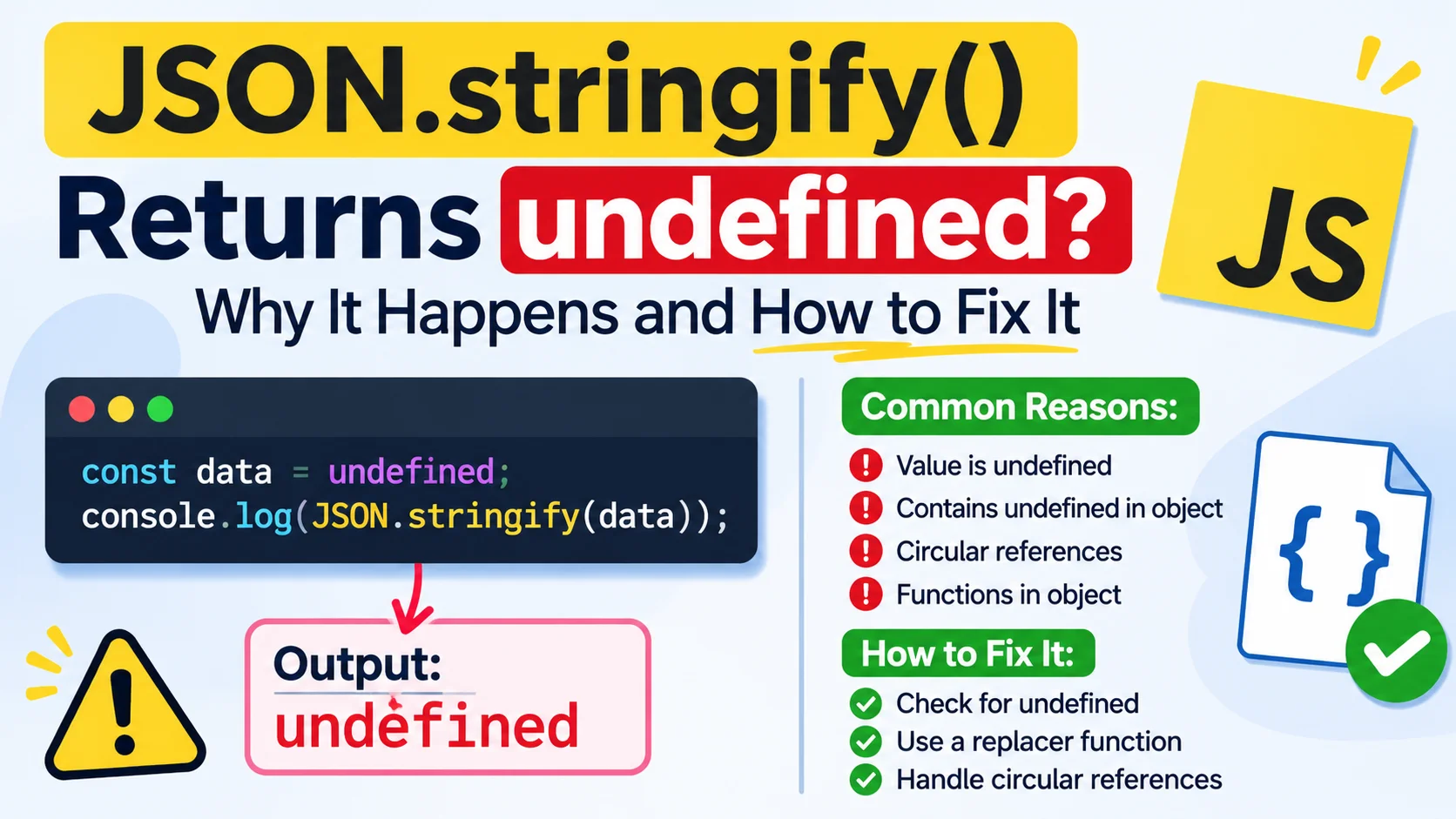
JSON.stringify() Returns undefined? Why It Happens and How to Fix It
You expect JSON.stringify() to return JSON text, but instead your variable contains undefined.
That can be confusing—especially when you’re preparing an API request, saving data, or passing the result to JSON.parse().
The quick explanation is that undefined is not a valid JSON value. When you pass undefined, a function, or a symbol directly to JSON.stringify(), JavaScript does not produce a JSON string. A replacer function or an object’s toJSON() method can also cause the final result to be undefined.
This guide shows how to identify the cause and choose a fix that matches your data.
The quick answer
JSON.stringify(undefined); // undefined
JSON.stringify(() => {});  // undefined
JSON.stringify(Symbol());  // undefined
The result is the JavaScript value undefined—not the string "undefined" and not valid JSON text.
Check the result directly:
const result = JSON.stringify(undefined);

console.log(result);        // undefined
console.log(typeof result); // "undefined"
Why JSON.stringify() can return undefined
1. The value passed in is undefined
This commonly happens when a variable was never assigned, a function returned no value, or a property lookup did not find the expected data.
const user = undefined;

const json = JSON.stringify(user);

console.log(json); // undefined
Check the value before serializing it:
console.log("Value:", user);
console.log("Type:", typeof user);

const json = JSON.stringify(user);

if (json === undefined) {
  console.error("No JSON string was produced.");
}
2. You passed a function or symbol directly
Functions and symbols cannot be represented as JSON values. Passed on their own, they also result in undefined.
JSON.stringify(function greet() {}); // undefined
JSON.stringify(Symbol("id"));        // undefined
If you need to send data to an API, pass a plain object containing the data you want to transmit—not the function or symbol used by your application.
3. A replacer function returned undefined
A replacer can change or filter values during serialization. If it returns undefined for the top-level value, the whole call returns undefined.
const value = { status: "ready" };

const json = JSON.stringify(value, (key, currentValue) => {
  if (key === "") {
    return undefined;
  }

  return currentValue;
});

console.log(json); // undefined
The empty key ("") represents the top-level value in the replacer call. Review every return path in your replacer, especially the one for that initial call.
4. A toJSON() method returned undefined
Before serializing an object, JSON.stringify() calls its toJSON() method if it has one. If that method returns undefined, the final result can be undefined too.
const record = {
  id: 42,

  toJSON() {
    return undefined;
  },
};

console.log(JSON.stringify(record)); // undefined
Inspect custom toJSON() methods if the original object looks valid but its serialized result does not.
Why undefined behaves differently inside objects and arrays
These examples are easy to confuse:
JSON.stringify({ name: undefined }); // "{}"
JSON.stringify([undefined]);          // "[null]"
When an object property contains undefined, it is omitted from the output. In an array, the position is preserved as null. The same general behavior applies to functions and symbols found inside objects or arrays.
| Input | Output |
|---|---|
JSON.stringify(undefined) | undefined |
JSON.stringify({ value: undefined }) | "{}" |
JSON.stringify([undefined]) | "[null]" |
JSON has no undefined value. Decide whether a missing value should be omitted, represented as null, or encoded using an explicit application-specific format.
How to fix it
Fix 1: Check the value before serialization
If the root value might be missing, handle that case explicitly.
if (value === undefined) {
  throw new TypeError("Cannot serialize an undefined root value");
}

const json = JSON.stringify(value);
This is often better than letting an empty request or a later parsing error hide the original problem.
Fix 2: Use null when that matches your API contract
If the API expects a field but accepts an empty value, convert undefined to null deliberately:
const payload = {
  displayName: user.displayName === undefined
    ? null
    : user.displayName,
};

const json = JSON.stringify(payload);
Don’t replace every missing value with null automatically. Some APIs treat a missing property differently from a property explicitly set to null.
Fix 3: Return the value from your replacer
If you use a replacer to filter or transform data, make sure it returns the current value unless you intentionally want to omit it.
const json = JSON.stringify(value, (key, currentValue) => {
  if (key === "internalNote") {
    return undefined; // Intentionally omit this property
  }

  return currentValue;
});
Be careful with a replacer that returns undefined for every key: it can remove all object properties or make the top-level result undefined.
Fix 4: Check toJSON()
If the object defines a toJSON() method, verify that it returns the value you intend to serialize.
const record = {
  id: 42,

  toJSON() {
    return { id: this.id };
  },
};

console.log(JSON.stringify(record)); // "{\"id\":42}"
Fix 5: Guard API request bodies
If JSON.stringify() returns undefined, your request may not contain the JSON body you expected.
const json = JSON.stringify(payload);

if (json === undefined) {
  throw new TypeError("Request payload did not produce JSON");
}

const response = await fetch("/api/users", {
  method: "POST",
  headers: {
    "Content-Type": "application/json",
  },
  body: json,
});
The Content-Type header describes the intended body format; it doesn’t create a body when serialization returned undefined.
Why JSON.parse(JSON.stringify(value)) can fail
This pattern is sometimes used to make a copy of an object:
const copy = JSON.parse(JSON.stringify(value));But if value is undefined, the first call does not produce JSON text. JSON.parse() then has no valid JSON string to parse, so the expression fails.
For values that may not be JSON-serializable, choose a copying method that matches the data you have. For many supported built-in values, structuredClone() may be an option:
const copy = structuredClone(value);It has its own limits, so check that it supports the types in your data before using it.
Quick debugging checklist
When JSON.stringify() returns undefined, check:
- Is the value itself
undefined, a function, or a symbol? - Did a replacer return
undefinedfor the top-level value? - Does the object have a
toJSON()method? - Are you checking for
undefinedbefore using the result as request-body text? - Should the missing value be omitted, set to
null, or encoded another way?
Frequently asked questions
Does JSON.stringify(undefined) return the text "undefined"?
No. It returns the JavaScript value undefined; it does not return a JSON string.
Why does JSON.stringify({ value: undefined }) return "{}"?
The undefined property is omitted when an object is serialized. In an array, an undefined element becomes null so the array position remains.
Can JSON represent undefined?
No. JSON supports null, but not undefined. Choose a consistent application-level rule—such as omitting the property, using null, or encoding a special value explicitly.
Why does my API receive an empty body?
Check the value returned by JSON.stringify() before calling fetch(). If it is undefined, your code did not produce JSON text for the request body.
Final takeaway
JSON.stringify() returns undefined when the root value cannot be represented as JSON or when custom serialization logic removes that root value.
Log the input, inspect any replacer or toJSON() method, and decide whether the data should be omitted, set to null, or converted to a supported JSON value.
Read Also: Unexpected Token in JSON Causes and Fixes
Try Next
Other utilities you might find helpful
Regex Tester
Test and debug regular expressions with live matches.
Regex Debugger
Understand regex step-by-step with explanations.
JSON Formatter
Format, validate, and minify JSON instantly.
Base64 Encoder/Decoder
Encode and decode Base64 strings and files.
SQL Explain Parser
Analyze SQL execution plans and optimize queries.
DOM Complexity Analyzer
Analyze HTML DOM structure, detect deep nesting, count nodes, and identify performance issues instantly.