
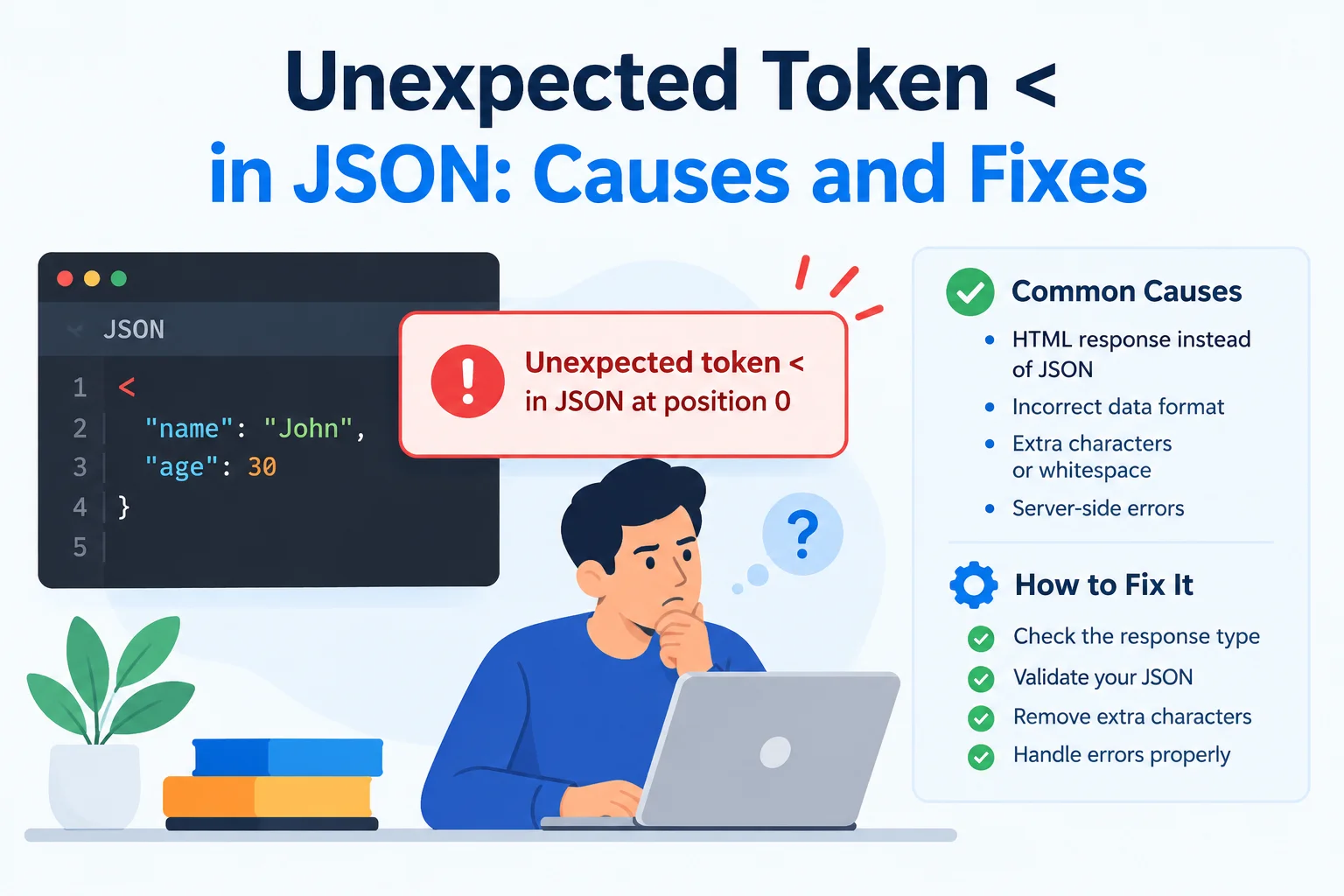
Unexpected Token < in JSON: Causes and Fixes
You request data from an API, call response.json(), and get an error like this:
SyntaxError: Unexpected token '<', "<!DOCTYPE "... is not valid JSONThe request may even show a 200 OK status in your browser.
So why does JSON parsing fail?
Your application expected JSON, but the response body contained HTML. The < character often comes from an opening tag such as <!DOCTYPE html> or <html>.
The important task is not to remove that character. It is to discover why your request received a webpage instead of API data.
This guide walks through the diagnosis, common causes, and practical fixes.
What the Error Actually Means
Consider this request:
const response = await fetch("/api/products");
const products = await response.json();
The second line asks the browser to read the response body and parse it as JSON.
A valid response might contain:
{
  "products": [
    {
      "id": 1,
      "name": "Mechanical keyboard"
    }
  ]
}
But suppose the server returns:
<!DOCTYPE html>
<html>
  <body>
    <h1>Page not found</h1>
  </body>
</html>
That is HTML, not JSON.
The parser encounters < where JSON syntax does not allow it and throws an error. The exact wording varies between browsers and runtimes.
This is usually a response-routing or server-behavior problem—not a problem with the JSON parser.
Start With the Network Panel
Before changing your code, inspect what the browser actually received.
In Chrome DevTools:
- Open the Network panel.
- Trigger the failing request.
- Select the request.
- Check its URL and HTTP status.
- Inspect the response headers.
- Read the response body.
Look for these clues:
| What you find | Likely explanation |
|---|---|
| Your application’s normal HTML shell | Frontend fallback handled the API request |
| A login page | Authentication redirect or session problem |
| A branded error page | Web server, proxy, CDN, or hosting error |
| A framework exception page | Backend failure returned as HTML |
| A “page not found” document | Incorrect URL or missing route |
These are clues, not proof. Confirm the cause using your routing configuration and server logs.
Inspect the Response Before Parsing It
Temporarily read the response as text:
const response = await fetch("/api/products");

console.log({
  requestedUrl: "/api/products",
  finalUrl: response.url,
  status: response.status,
  redirected: response.redirected,
  contentType: response.headers.get("content-type")
});

const body = await response.text();

console.log(body.slice(0, 300));
This reveals whether you received JSON, HTML, an empty body, or something else.
Use body previews carefully. Responses may contain personal information, authentication details, or internal error messages. Do not send raw response bodies to production logs without appropriate safeguards.
Do Not Read the Same Body Twice
This debugging code is incorrect:
const body = await response.text();
const data = await response.json();
The first operation consumes the body. The second cannot normally consume it again.
During diagnosis, either parse the captured text:
const body = await response.text();
const data = JSON.parse(body);
Or clone the response before consuming it if you genuinely need separate readers.
For ordinary application code, reading the body once is simpler.
Cause 1: The Request Uses the Wrong URL
A small path error can send your request to a webpage.
For example:
fetch("/products");Your backend might expose:
/api/productsMeanwhile, /products may be a frontend page.
Relative URLs Can Also Surprise You
Suppose the current page is:
https://example.com/dashboard/This request:
fetch("api/products");resolves to:
https://example.com/dashboard/api/productsBut this request:
fetch("/api/products");resolves from the origin root:
https://example.com/api/productsNeither form is universally correct. Applications deployed under a path prefix may require a configured base URL.
Fix: verify the complete resolved request URL in DevTools rather than assuming the string in your code points to the intended endpoint.
Cause 2: The Frontend Server Handles the Request
During development, the frontend and backend often run on different ports:
Frontend: http://localhost:5173
Backend:  http://localhost:3000
A request from the frontend to:
fetch("/api/products");goes to the frontend origin unless a proxy or other routing arrangement forwards it.
Some frontend servers respond to unknown paths with the application’s HTML entry page.
The result can be:
200 OK
Content-Type: text/html
followed by the JSON parsing error.
Fix: configure the development proxy correctly, or use the intended API origin with the necessary cross-origin configuration.
Do not use mode: "no-cors" as a workaround. It does not make an HTML response become JSON, and an opaque response cannot be read normally by your JavaScript.
Cause 3: A Catch-All Route Captures API Requests
Single-page applications often use a fallback that serves the same HTML document for frontend routes.
That behavior is useful for paths such as:
/settings
/account
/dashboard
It becomes a problem when an API request falls through to the same handler.
Conceptually, server routing should distinguish:
/api/*              → API handlers
unmatched /api/*    → JSON API error
frontend routes    → application HTML
An unknown API endpoint should not silently become the homepage.
Fix: review route ordering, rewrite rules, and hosting configuration. Keep API error handling separate from the frontend fallback.
Cause 4: Authentication Redirects to a Login Page
Your request may target the correct API endpoint but end up at a login page.
A possible sequence is:
GET /api/account
        ↓
Redirect to /login
        ↓
200 OK with HTML
Because fetch() normally follows redirects, the final response can look successful even though it is not the API response you expected.
Check:
console.log(response.redirected);
console.log(response.url);
These help reveal what happened, though they are not a complete authentication diagnostic.
Fix: API endpoints should generally communicate authentication failures with an appropriate status and a machine-readable response, rather than redirecting API consumers to an HTML page.
For cross-origin cookie-based authentication, verify credential settings, cookie attributes, and server-side CORS policy together. Adding credentials: "include" alone does not solve every authentication problem.
Cause 5: A Proxy or Hosting Layer Returns HTML
The backend is not always the component generating the response.
A reverse proxy, CDN, hosting platform, or security service may return an HTML page for:
- An unavailable upstream server.
- A gateway timeout.
- A rate limit.
- An access restriction.
- A maintenance window.
- A security challenge.
For example, your application might receive:
502 Bad Gateway
Content-Type: text/html
Calling response.json() immediately hides that useful context behind a parsing error.
Fix: inspect the HTTP status, response headers, infrastructure logs, and any request identifier provided by the platform.
Cause 6: The Backend Returns an HTML Error Page
Some frameworks generate HTML error pages, particularly in development.
The underlying cause could be:
- A database connection failure.
- A missing configuration value.
- An unhandled exception.
- A serialization error.
The frontend sees the HTML response, not the original backend exception.
Fix: examine server logs and configure API error responses consistently. Do not expose development stack traces or secrets in production responses.
A Safer JSON Fetch Helper
Instead of immediately calling response.json(), check the response status and expected media type.
This helper is designed for endpoints that promise a JSON response:
async function fetchJson(url, options = {}) {
  const headers = new Headers(options.headers);

  if (!headers.has("Accept")) {
    headers.set("Accept", "application/json");
  }

  const response = await fetch(url, {
    ...options,
    headers
  });

  if (!response.ok) {
    throw new Error(
      `HTTP ${response.status} while requesting ${url}`
    );
  }

  const mediaType = (
    response.headers.get("content-type") ?? ""
  )
    .split(";")[0]
    .trim()
    .toLowerCase();

  const isJson =
    mediaType === "application/json" ||
    (
      mediaType.startsWith("application/") &&
      mediaType.endsWith("+json")
    );

  if (!isJson) {
    throw new Error(
      `Expected JSON but received ${mediaType || "an unknown content type"}`
    );
  }

  return response.json();
}
Usage:
try {
  const data = await fetchJson("/api/products");

  console.log(data);
} catch (error) {
  console.error("Could not load products:", error);
}
This produces clearer failures, but it has boundaries:
- A JSON content type does not guarantee valid JSON.
- Successful parsing does not validate the data’s structure.
- An endpoint returning
204 No Contentneeds separate handling. - APIs with useful JSON error bodies may need richer error parsing.
The Accept header expresses a preference. It does not force the server to comply.
What Not to Do
Do Not Remove the < Character
This does not repair the response:
JSON.parse(body.replace("<", ""));An HTML document remains an HTML document after removing one character.
Do Not Treat Every Parse Failure as “No Results”
Returning an empty array for every error can make a broken deployment look like a legitimate empty search.
Show a suitable failure state and retain enough diagnostic context to investigate it.
Do Not Assume 200 OK Means Correct Data
A response can be successful at the HTTP level while containing the wrong resource or representation.
Check status, content type, and the expected data structure.
Do Not Paste Sensitive Responses Into Public Tools
If you use a JSON formatter or validator, remove secrets and personal information first.
Also verify how the tool handles submitted data. Do not assume it processes everything locally unless that behavior has been confirmed.
Frequently Asked Questions
Why does the response begin with <!DOCTYPE html>?
You received an HTML document. Common sources include a frontend fallback, login page, missing-route page, or infrastructure error.
Can malformed JSON cause an unexpected-token error?
Yes. Unexpected-token errors can come from malformed JSON generally. A leading < strongly suggests HTML or another markup-based response, but inspect the body to confirm.
Will changing Content-Type in the request fix it?
Not usually. A request’s Content-Type describes the body you send. The server’s response headers describe what it returns. Neither header transforms HTML into JSON.
Can a JSON formatter fix the problem?
A formatter can help inspect JSON once you have JSON. It cannot correct a request that reached the wrong route or received a login page.
Final Thoughts
When you see “Unexpected token < in JSON,” start with the response—not the parser.
Verify:
- The resolved request URL.
- The HTTP status.
- Any redirects.
- The response content type.
- The actual response body.
- The routing and server behavior that produced it.
The most useful question is:
Why did this request receive HTML when the application expected JSON?
Answer that, and the parsing error usually becomes straightforward to fix.
Read Also: Large JSON File Handling Techniques
Try Next
Other utilities you might find helpful
Regex Tester
Test and debug regular expressions with live matches.
Regex Debugger
Understand regex step-by-step with explanations.
JSON Formatter
Format, validate, and minify JSON instantly.
Base64 Encoder/Decoder
Encode and decode Base64 strings and files.
SQL Explain Parser
Analyze SQL execution plans and optimize queries.
DOM Complexity Analyzer
Analyze HTML DOM structure, detect deep nesting, count nodes, and identify performance issues instantly.